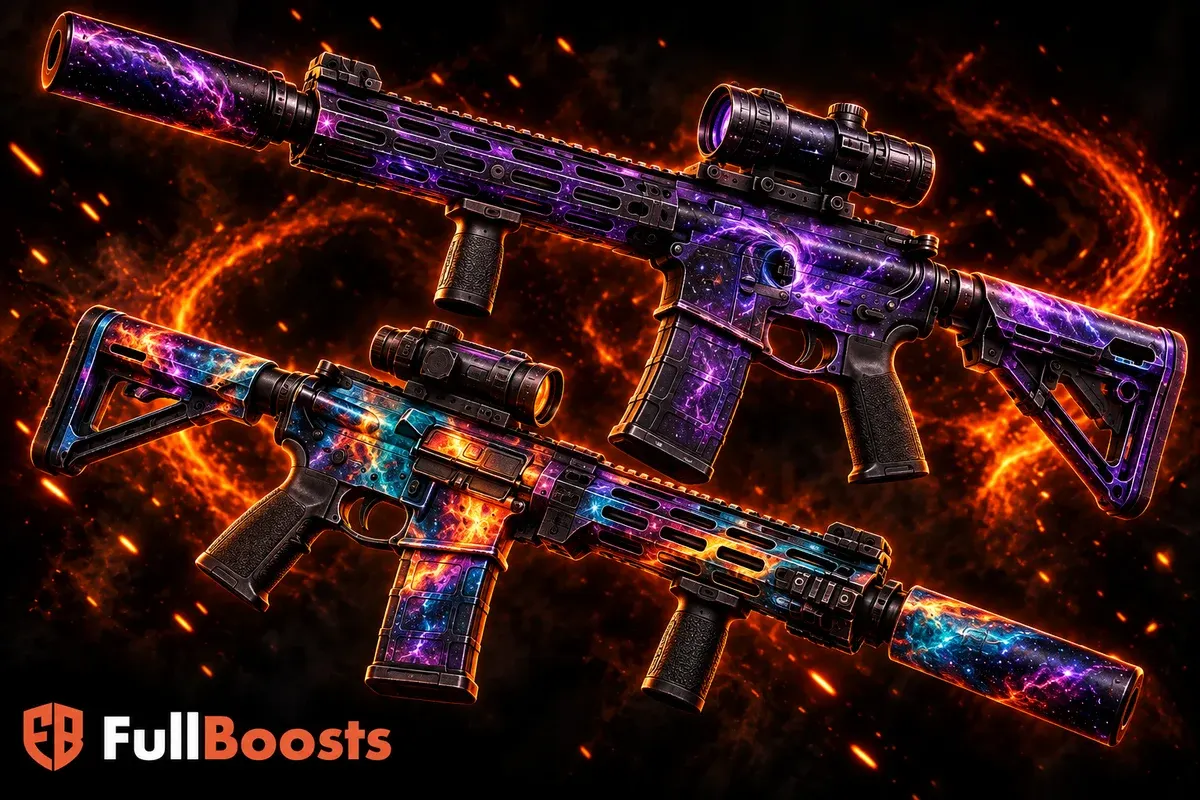
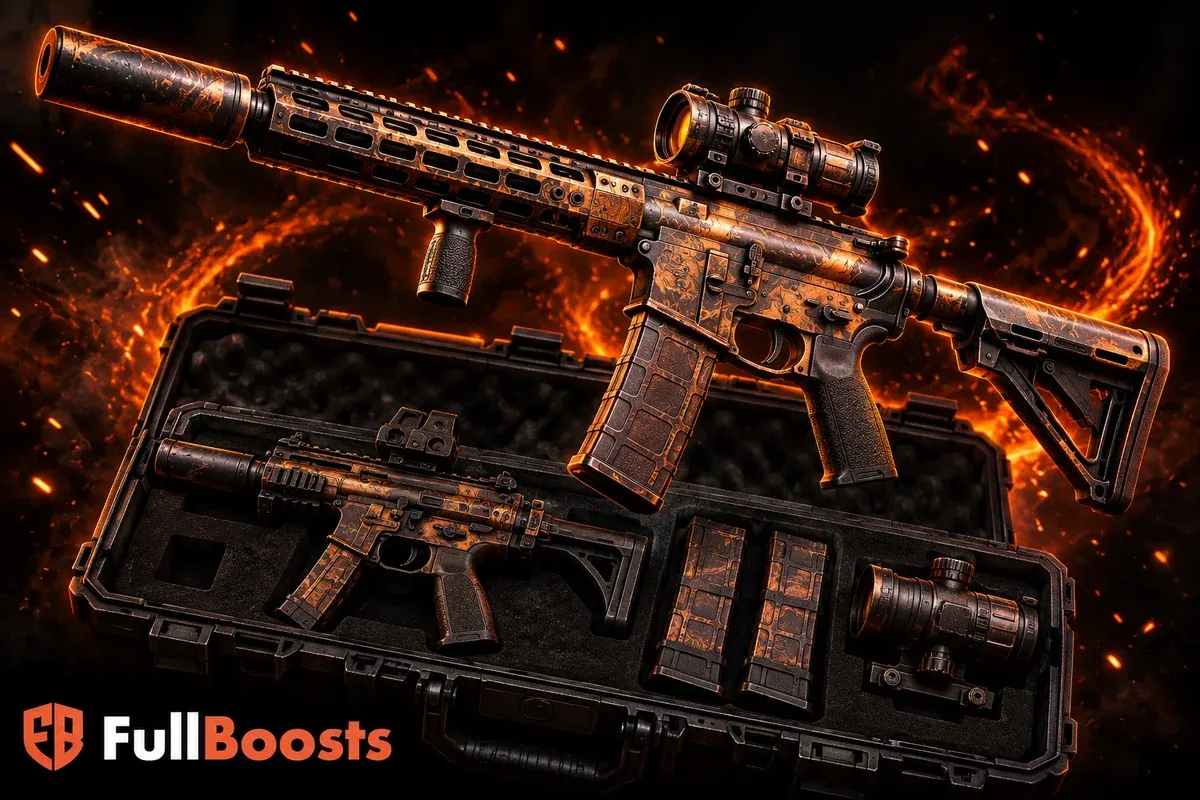
Black Ops 6 Dark Matter Guide: Plan Your Weapons and Camo Progress
Plan your Black Ops 6 Dark Matter grind with weapon gates, a useful progress tracker, focused sessions, and a clear route through Multiplayer camo challenges.
In this guide 8 sections
Dark Matter in Black Ops 6 is a project with several gates, not one long challenge counter. Plan the roster of weapons you will progress, finish the requirements that unlock the next stage, and keep a separate record of the camo you actually want to use.
This guide covers Black Ops 6 Multiplayer. It is not a guide to the newest Call of Duty release, and Zombies progression follows a different camo route.
Understand the gates before choosing weapons
The BO6 Multiplayer sequence is Military camos, two Special camos, Gold, Diamond, Dark Spine, and Dark Matter. Most weapons begin with headshot milestones; check the weapon's own conditions for exceptions. Weapon level is not a prerequisite for starting camo progress.
Activision's Black Ops 6 progression guide documents the camo stages, weapon-specific challenges, and mastery unlock gates.
Gold follows completion of that weapon's Military and Special requirements. Diamond adds a weapon-class gate. Dark Spine requires Diamond on 33 weapons, followed by its individual challenges. Dark Matter requires Dark Spine on 33 weapons, then the final challenge on each weapon you want to finish.
Those gates explain why a single favorite gun cannot carry the whole project. They also explain why “Dark Matter unlocked” should name the weapon: mastery camos are earned individually.
Build a roster you can actually use
Open the camo menus and list your available weapons. For each one, note the class, its current stage, the next requirement, and whether the weapon is available in your current loadouts. Check the class threshold shown in the game before committing to a route.
Do not copy a launch-day checklist and assume every later weapon must also be completed. Equally, do not count a replacement merely because you like it. Confirm that it contributes to the gate you are working toward.
Choose a working roster with three considerations:
- Access: can you equip the weapon today?
- Progress: how much relevant work is already complete?
- Suitability: can you make useful progress with it in the matches you normally play?
Avoid choosing exclusively from the weapons you find easiest. That can leave an entire unmet class requirement at the end. Build around the gates, then use personal preference to choose within the available options.
Use a tracker that distinguishes progress from eligibility
A compact checklist is more useful than a giant document you stop updating. Keep one row per selected weapon and record these fields:
| Field | What to write |
|---|---|
| Current stage | The camo challenge currently being worked on |
| Exact requirement | A short note from that weapon's current in-game menu |
| Counter before session | Your starting progress |
| Counter after session | Your ending progress |
| Blocking gate | A class or total-weapon prerequisite, if present |
| Next action | One concrete task for the next session |
Example: Rifle A has finished its Special camos and can work on Gold. Rifle B is still at Military progress. Rifle C has Gold but is waiting for enough weapons in its class. The useful next action may be progressing Rifle B, rather than repeatedly checking Rifle C's locked Diamond challenge.
Use the actual in-game counters as your source of completion. A note saying “nearly finished” is useful motivation but does not satisfy an unlock requirement.
Give each session one purpose
Start by choosing a stage and a small set of weapons. A session spent advancing Military progress has a different focus from one spent attempting a newly unlocked mastery condition.
Read the requirement before entering the queue. Translate it into a practical setup: weapon, appropriate attachments, and the type of engagement you want. Avoid rebuilding your whole loadout after every death; change something when you can identify a specific problem, such as difficulty controlling the weapon at your chosen range.
At the end, compare the counters rather than relying on the scoreboard. A high-scoring match may contribute little to a particular challenge. A modest match can still advance the task you selected.
An example session plan: check three unfinished weapons, select the one whose next gate is closest, play a small block of matches, record the change, then decide whether to continue or rotate. This creates a stopping point without inventing a completion-time promise.
Match your approach to the active challenge
For a headshot requirement, choose fights where you can deliberately place shots instead of treating every encounter as a sprinting contest. For a challenge involving multiple eliminations in one life or a short sequence, first read the exact condition, then plan how to survive between useful opportunities.
A smaller map may create more frequent encounters, but that does not automatically make it the fastest option for every weapon or task. A cramped route can also deny the distance your weapon needs. Compare actual counter progress across a few matches before declaring one playlist mandatory.
Keep playing the objective. Challenge progress and helping your team can coexist: holding a relevant lane, covering an approach, or defending a teammate can create purposeful fights. Repeatedly abandoning useful positions to chase one more elimination can make both the match and the challenge more frustrating.
Avoid administrative setbacks
Before entering Prestige, check which weapons your next sessions require. In BO6, weapon progression and camo progress remain, but level-based weapon access can be relocked. Put your next available weapon on the tracker so returning to the project is straightforward.
If a counter appears stuck, record what the challenge says, verify that its prerequisite is complete, and compare progress after a match. Distinguish an unmet gate from a tracking problem. Keep a screenshot of the relevant menu if you need to investigate further; do not erase your plan simply because one attempt did not count as expected.
Also separate appearance from completion. A blueprint or another cosmetic is not your tracker entry for earning a mastery challenge. Record what the challenge menu reports.
Finish the weapons you want to equip
Reaching the final roster threshold is a milestone. Follow it with a short priority list of the weapons on which you want the finished camo first. This keeps the end of the project focused and makes your progress easy to describe.
If you are comparing assistance, use that same list and the exact current stage to define the scope. “Finish Dark Matter on these weapons” is clearer than “complete my camos.” Browse the FullBoosts Call of Duty page with the BO6 version and target weapons in mind.
Frequently asked questions
Does unlocking Dark Matter on one weapon unlock it on every weapon?
No. Keep a separate completion entry for each weapon. Reaching a global prerequisite and finishing an individual weapon's final challenge are different steps.
Does Zombies progress unlock Multiplayer Dark Matter?
The routes are separate. For this project, track the Multiplayer challenges. Mixing Zombies counters into the same checklist makes the remaining work difficult to judge.
How long does the Dark Matter grind take?
Your starting progress, available weapons, active challenges, and match results determine the remaining work. Measure a few sessions first and plan milestones from those results. A universal number of hours would hide those differences.
Should I change weapons whenever progress slows?
Change when you can explain why another weapon advances the plan better. Rotate if a different task suits your available matches or concentration; keep the current weapon if a small setup adjustment addresses the problem.
More from Call of Duty
Explore services and find the right option for your next goal.