
Division 2 Festive Delivery
Division 2 Festive Delivery
FULLBOOSTS / GAME SERVICES
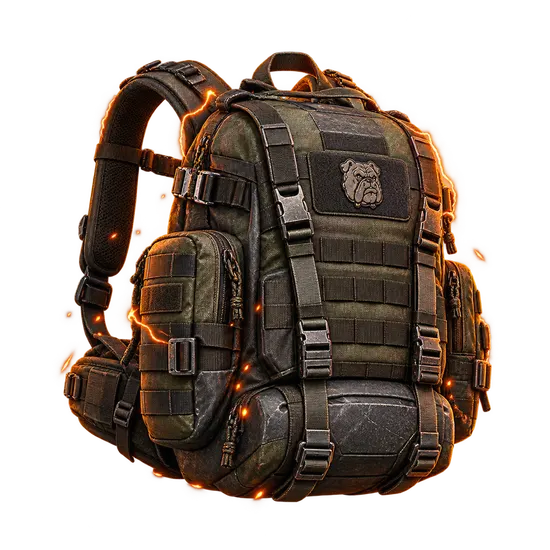
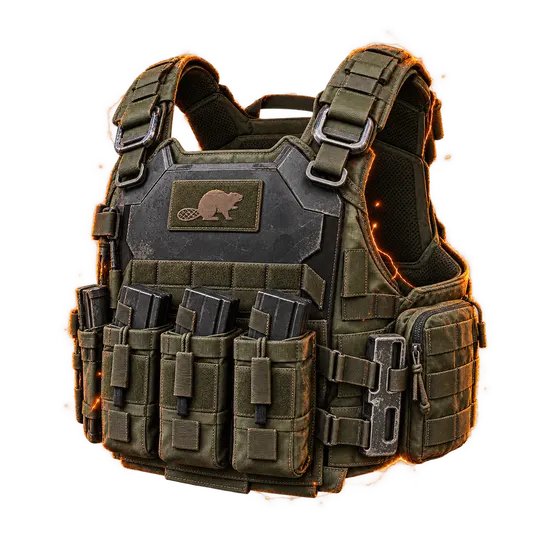
Buy Division 2 Festive Delivery backpack and pick up a named high-end piece. Its Fireworks Show talent turns Concussion Grenades into Festive Grenades, which makes a Festive Delivery carry a fun extra.
What you get
- The named Festive Delivery backpack added to your account.
- The Fireworks Show talent: a Festive Grenade hit sets off extra fireworks on two further targets inside a 20 meter radius around the target.
- The blueprint and other loot that may drop.
- Season Pass and SHD Level experience.
Requirements
- Event Gear Caches have to be open for this backpack to appear.
- Expertise level 30 is the entry point for the Prototype option.
How to set up your order
Platform is required: pick PC, Xbox or PlayStation, whichever you play The Division 2 on. Completion Method is required. Piloted means a verified player works on your account, and your logins go through the encrypted form on the order page, never chat. Sherpa means you play your own character in the group while our players guide you through the run. Armor Upgrades are optional. High Stats (90%+) aims for a roll with strong stat percentages, and Upgrade to Prototype raises the piece to Prototype level, for which your account needs Expertise level 30. Completion Speed is optional. Express and Super Express move your order higher in the queue, and your assigned player confirms the start in order chat.
Related services
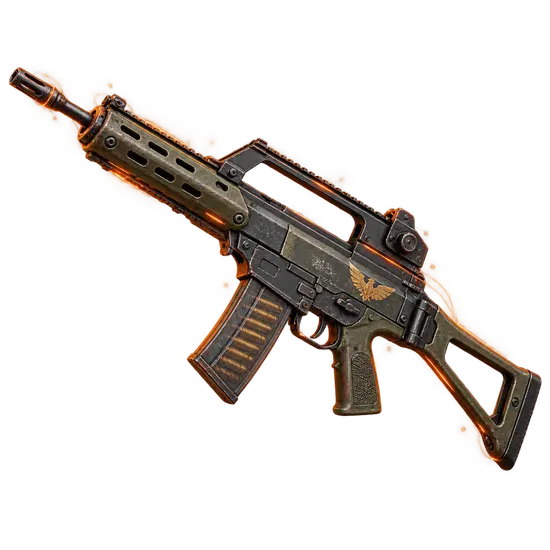
- Eagle Bearer: a rifle to match your new piece.
- The Ravenous: a raid exotic to add.
- Ouroboros: a high-damage incursion exotic.
- Memento Backpack: an exotic backpack to consider.
- Coyote's Mask: an exotic mask for your outfit.
Frequently asked questions
What is Fireworks Show?
It converts your Concussion Grenades into Festive Grenades that trigger more explosions nearby.
Which gear slot?
A backpack.
Does it need an event?
Yes, event Gear Caches have to be available.
Can I join in?
Yes, with the Sherpa method.
Is there a warranty?
Yes, after your order is completed: 8 business days, or 2 business days when a top-rated booster completes it. Some top-rated boosters offer their service without a warranty. Your order page shows exactly which applies as soon as a booster is assigned; if it shows no warranty and you want one, ask support for a different booster before the work starts.
Is it safe?
FullBoosts assigns verified players and protects piloted-service logins with an encrypted form on the order page. Only you and your assigned player can access those credentials while the order is open; they are erased when the order closes or a dispute is opened. Keep logins out of chat. Where Self-play is available, you play together and keep control of your account. Every delivered order has a 72-hour review window.
How ordering works
1. Choose your service
Select your options and review the total at checkout.
2. Meet your player
FullBoosts assigns a verified player. Agree the details in order chat and follow progress in your dashboard.
3. Review the result
After delivery, you have 72 hours to confirm the work or select Report a problem. If you take no action, the order completes automatically.
Need help? Use live chat in the bottom-right corner or email.
Terms and Refund Policy
No approved reviews for this offer yet.
Customize your service
Platform
Completion Method
Armor Upgrades
Completion Speed
You may also like
More Division 2 services
Get Personalized Offer
Contact us and we’ll find the best deal or create a personalized order for you at a lower price with an immediately contact with PRO player.

