
Global Event Stars
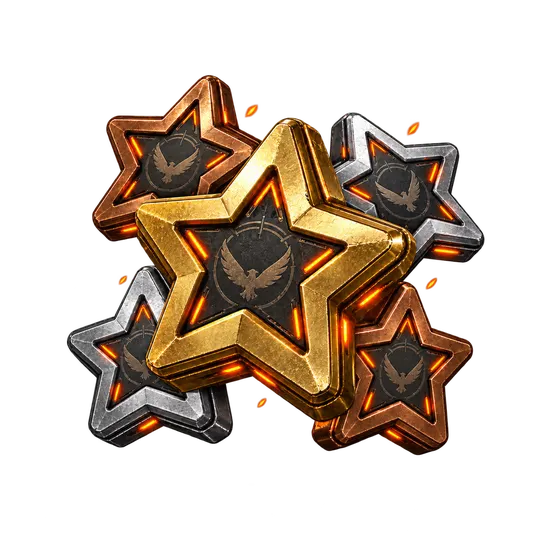
Global Event Stars
FULLBOOSTS / GAME SERVICES
Buy Global Event Stars in The Division 2 and collect any number of stars without grinding the challenges yourself. Stars push your Event Pass forward or pay for Caches at the Events Vendor, and our Global Event Stars boost handles them for you.
What you get
- The amount of Global Stars you pick with the Range option
- Event challenges that can be completed along the way
- Season Pass levels plus SHD levels gained in passing
- Gear and resources that drop during the order
Requirements
- Your agent is level 40
- An event has to be live in the game
How to set up your order
Platform: choose PC, Xbox or Playstation.
Completion method: Piloted means a verified player completes the order on your account; you send your login through the encrypted form on the order page and never in chat. Self-play means you play your own character in the group alongside our players.
Completion Speed: the speed option raises your order's priority in the queue, and your assigned player confirms the timing in order chat before work starts.
Range: set how many stars you want credited to your account.
Related services
- SHD Leveling: Raise your SHD level so the freshly obtained gear sits on a stronger agent.
- Best PVE Build: Turn the new piece into a full endgame setup for PvE content.
- Eagle Bearer: A classic unique assault rifle that fits almost any loadout.
- Expertise Leveling: Reach the expertise level that the Prototype upgrade asks for.
- Season Pass Boost: Push your Season Pass further alongside the gear you collect.
Frequently asked questions
What are Global Event Stars used for?
They are limited-time currency. Spend them on Event Pass levels or on Caches at the Events Vendor.
Can I order when no event is active?
No. The stars only exist while a Global Event is live, so this order depends on one being active.
How do I choose the amount?
Use the Range option to set how many stars you need, and add a speed option if you want queue priority.
Is there a warranty?
Yes, after your order is completed: 8 business days, or 2 business days when a top-rated booster completes it. Some top-rated boosters offer their service without a warranty. Your order page shows exactly which applies as soon as a booster is assigned; if it shows no warranty and you want one, ask support for a different booster before the work starts.
Is it safe?
FullBoosts assigns verified players and protects piloted-service logins with an encrypted form on the order page. Only you and your assigned player can access those credentials while the order is open; they are erased when the order closes or a dispute is opened. Keep logins out of chat. Where Self-play is available, you play together and keep control of your account. Every delivered order has a 72-hour review window.
How ordering works
1. Choose your service
Select your options and review the total at checkout.
2. Meet your player
FullBoosts assigns a verified player. Agree the details in order chat and follow progress in your dashboard.
3. Review the result
After delivery, you have 72 hours to confirm the work or select Report a problem. If you take no action, the order completes automatically.
Need help? Use live chat in the bottom-right corner or email.
Terms and Refund Policy
Guides for The Division 2
No written reviews for this offer yet. Customers can review an order once it is completed.
Customize your service
Global Stars
Platform
Completion method
Completion Speed
You may also like

More Division 2 services
Get Personalized Offer
Contact us and we’ll find the best deal or create a personalized order for you at a lower price with an immediately contact with PRO player.

