MoCo Hourly Driving

Hourly Driving
FULLBOOSTS / GAME SERVICES

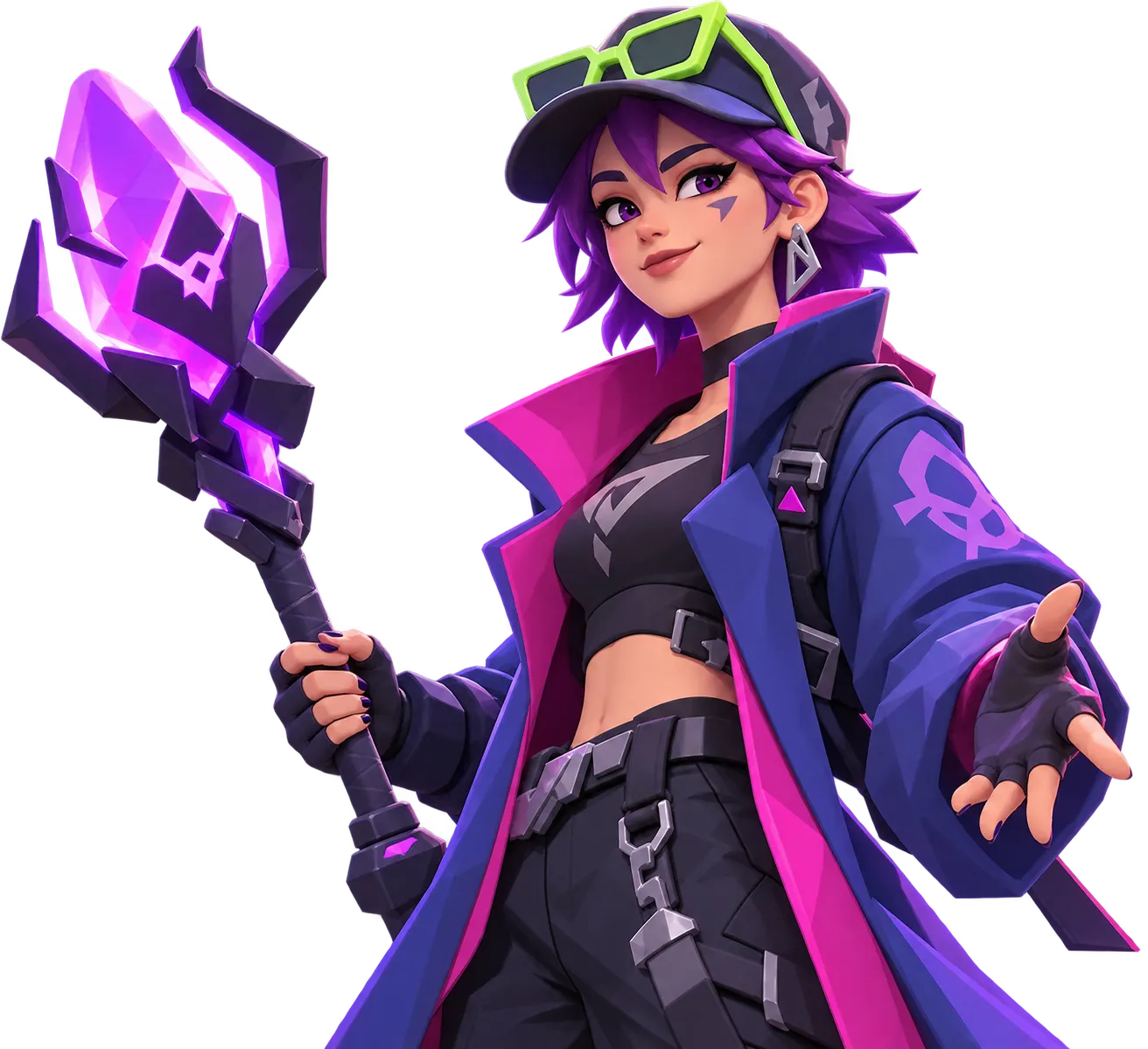
Buy MoCo Hourly Driving and hand a verified player a block of hours on your mo.co account for whatever tasks you need done. It suits unusual requests that have no dedicated service, and you decide the hours, the targets and the order they come in.
What you get
- A verified player works on any in-game task you name for the number of hours you select.
- Rewards that depend on what you ask for, whether that is weapon progress, currency, materials or other drops from the activities you pick.
- Bonus activities, event objectives and battle pass missions finished inside your booked hours, if you list them.
- One order that covers several goals at once, so you do not need a separate purchase for each small job.
mo.co sends hunters through parallel worlds to fight monsters with weapons that each carry their own abilities. Upgrade Cores add more combat benefits, and cooperative activities let players combine their weapon choices. Your unlocks and gear decide which tasks are realistic for a session.
Requirements
- An active mo.co account.
- Sharing your login information through the encrypted credentials form on the order page after checkout. Never post it in chat.
- A clear list of tasks for the MoCo Hourly Boost, with the most important one first.
How to set up your order
Use the Range slider to pick the number of hours, from a single hour up to the slider maximum. Then add the Completion Speed option if you want it: Express or Super Express move your order higher in the queue. Both are optional, and the start time is confirmed in order chat before any work begins.
After checkout, write your priorities in order chat. Name each activity, say how far you already got, and put the most urgent job at the top. The assigned player confirms what is possible on your account and follows your order of priorities during the hours.
Related services
- MoCo Rifts Boost: add runs through rifts if loot from them is on your list.
- MoCo Leveling: choose it when the main goal is raising your hunter level.
- MoCo Daily Jobs: a dedicated option for the repeating daily missions.
- MoCo Battle Pass Boost: pair it with hours when you want the pass tiers cleared.
Frequently asked questions
What does the hour count cover?
It covers the amount of playtime you select, spent on the tasks you agree on with the assigned player.
Can I combine more than one activity in the same order?
Yes. List them in order of importance so the player knows what to do first and what comes after.
What should I send before the session starts?
Share your objectives, your current progress and any in-game requirements. Use order chat for those details once the order is placed.
Can the player finish event or battle pass missions?
Yes, if you name them and your account meets their requirements. Tell the player which ones matter most.
Which rewards stay on my account?
Whatever is earned from the activities completed during your booked hours stays with your account.
How long until it starts?
Timing depends on the queue and the options you chose, and it is confirmed in order chat before work begins.
Is there a warranty?
Yes, after your order is completed: 8 business days, or 2 business days when a top-rated booster completes it. Some top-rated boosters offer their service without a warranty. Your order page shows exactly which applies as soon as a booster is assigned; if it shows no warranty and you want one, ask support for a different booster before the work starts.
Is it safe?
FullBoosts assigns verified players and protects piloted-service logins with an encrypted form on the order page. Only you and your assigned player can access those credentials while the order is open; they are erased when the order closes or a dispute is opened. Keep logins out of chat. Where Self-play is available, you play together and keep control of your account. Every delivered order has a 72-hour review window.
How ordering works
1. Choose your service
Select your options and review the total at checkout.
2. Meet your player
FullBoosts assigns a verified player. Agree the details in order chat and follow progress in your dashboard.
3. Review the result
After delivery, you have 72 hours to confirm the work or select Report a problem. If you take no action, the order completes automatically.
Need help? Use live chat in the bottom-right corner or email.
Terms and Refund Policy
Guides for MoCo
No written reviews for this offer yet. Customers can review an order once it is completed.
Customize your service
Hours
Completion Speed
You may also like

More MoCo services
Get Personalized Offer
Contact us and we’ll find the best deal or create a personalized order for you at a lower price with an immediately contact with PRO player.