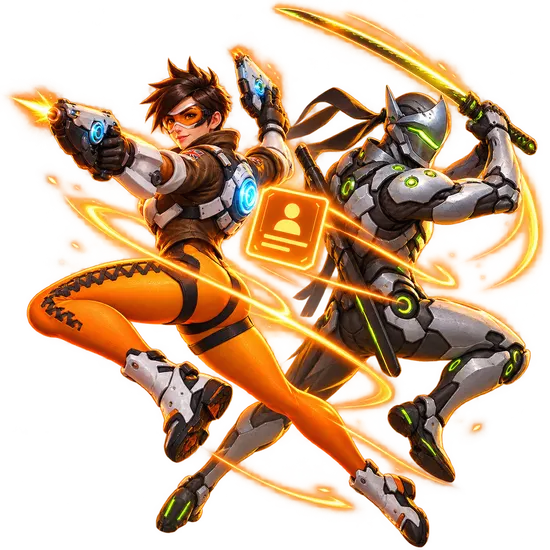
Invasion PvE Missions
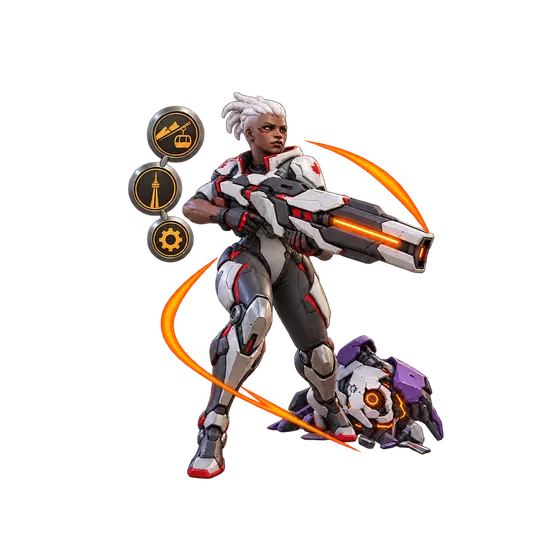
Invasion PvE Missions
FULLBOOSTS / GAME SERVICES
Buy an Overwatch Invasion PvE missions boost and let a verified player finish the story missions at the difficulty you choose. Pick the mission, platform and play style, and keep your time for other things.
What you get
- Any Invasion story mission cleared on the difficulty you select
- Choice of Rio de Janeiro, Toronto, Gothenburg or Underworld
- Screenshots or a stream of the run when you ask for them
- Progress updates in your order chat
Requirements
- Story Missions unlocked on your profile
- Active Account: a working Overwatch login
About the missions
In the Invasion update, the Null Sector faction attacks cities and seems to be abducting Omnics for reasons nobody knows. The newly formed Overwatch squad has to uncover the plan and stop it, with help from familiar and brand new allies. The missions are demanding, especially on the higher difficulties, which is why many players hand them over.
How to set up your order
Choose Difficulty: Normal, Hard, Expert or Legendary. Under Completion Method, Piloted means a verified player completes the mission on your account, with your login going only through the encrypted form on the order page. Self-play means you play your own character in the group alongside our players. Under Choose Your Platform you get PC, the PS4 and PS5, and Xbox One plus Series X/S. Next, pick a Mission from the four listed. Extras include Streaming, available on PC only. Completion speed offers Express and Super Express for queue priority; timing is confirmed in order chat before work starts.
Related services
- Coaching to get better at the game yourself
- Rank Boost for competitive progress
- Battle Pass Leveling to collect seasonal rewards
- Placement Matches for a strong season start
Frequently asked questions
Can I pick the difficulty?
Yes, from Normal up to Legendary.
Piloted or Self-play?
Piloted is done for you; Self-play lets you join in with your own character.
Can I watch the run?
Streaming is an optional extra on PC, and screenshots are available on request.
Which platforms work?
PC, PlayStation 4 and 5, and Xbox One and Series X/S.
Is there a warranty?
Yes, after your order is completed: 8 business days, or 2 business days when a top-rated booster completes it. Some top-rated boosters offer their service without a warranty. Your order page shows exactly which applies as soon as a booster is assigned; if it shows no warranty and you want one, ask support for a different booster before the work starts.
Is it safe?
FullBoosts assigns verified players and protects piloted-service logins with an encrypted form on the order page. Only you and your assigned player can access those credentials while the order is open; they are erased when the order closes or a dispute is opened. Keep logins out of chat. Where Self-play is available, you play together and keep control of your account. Every delivered order has a 72-hour review window.
How ordering works
1. Choose your service
Select your options and review the total at checkout.
2. Meet your player
FullBoosts assigns a verified player. Agree the details in order chat and follow progress in your dashboard.
3. Review the result
After delivery, you have 72 hours to confirm the work or select Report a problem. If you take no action, the order completes automatically.
Need help? Use live chat in the bottom-right corner or email.
Terms and Refund Policy
Guides for Overwatch
No written reviews for this offer yet. Customers can review an order once it is completed.
Customize your service
Choose Difficulty
Completion Method
Choose Your Platform
Choose a Mission
Choose Extras
Completion speed
You may also like


More Overwatch services
Get Personalized Offer
Contact us and we’ll find the best deal or create a personalized order for you at a lower price with an immediately contact with PRO player.