4Buy Mobile Legends Accounts
Compare accounts from approved sellers. Find the rank, collection and access you want, then review the details before buying.
4
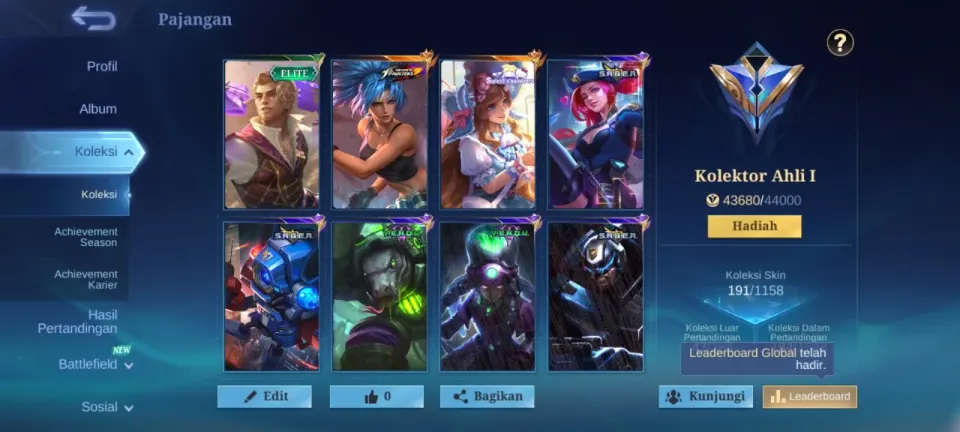
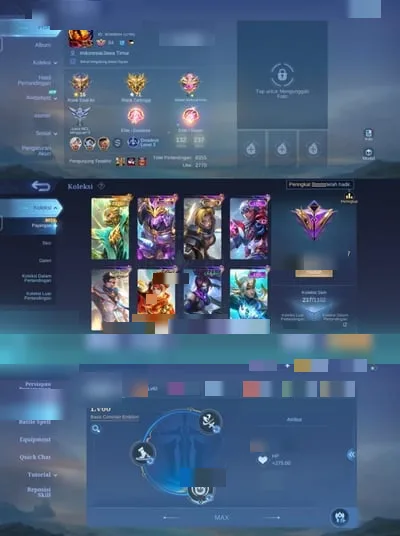
4Mobile Legends Account · Mythic · Level 126 · 133 Heroes
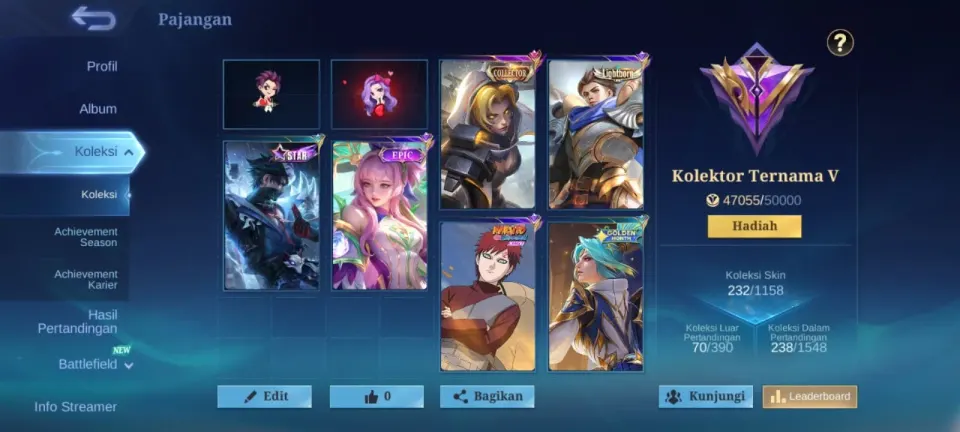
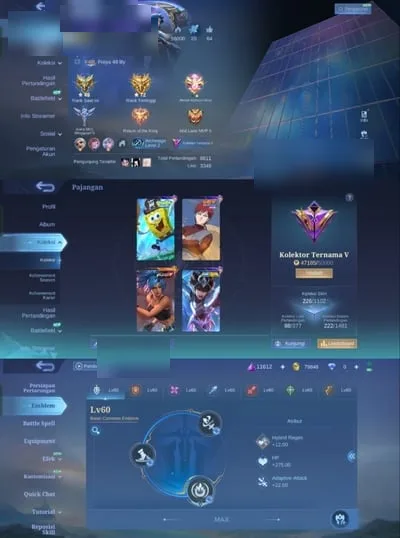
8Mobile Legends Account · Legend · Level 60 · 133 Heroes
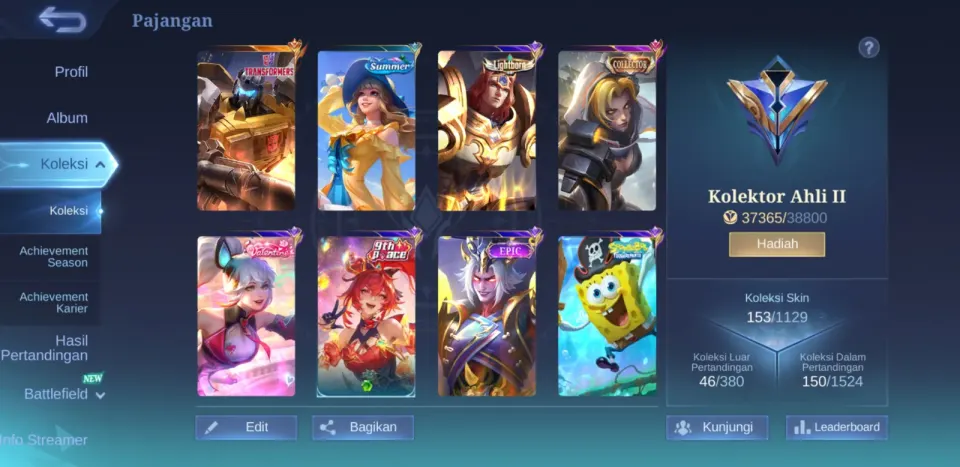
1Mobile Legends Account · Mythical Glory · Level 39 · 81 Heroes
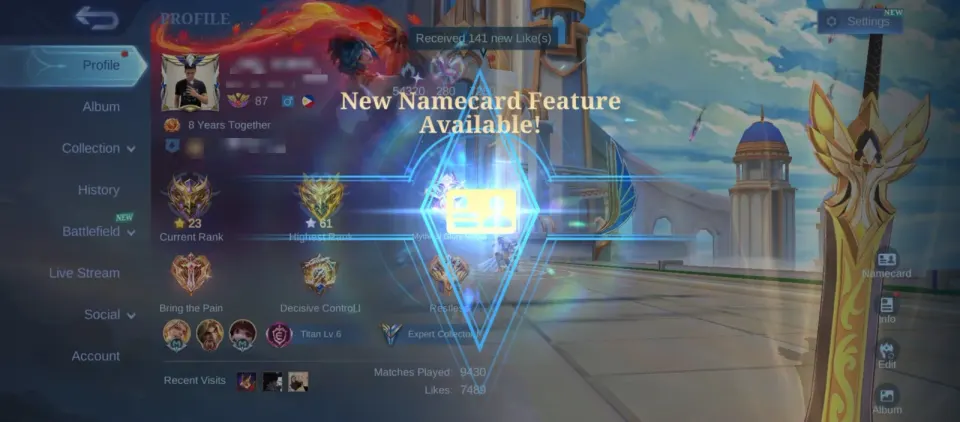
4Mobile Legends Account · Epic · Level 116 · 131 Heroes
2Mobile Legends Account · Mythical Glory · Level 65 · 117 Heroes
2Sold outMobile Legends Account · Mythical Honor · Level 48 · 113 Heroes
2Sold outMobile Legends Account · Mythical Glory · Level 84 · 133 Heroes
2Sold outMobile Legends Account · Mythical Honor · Level 65 · 114 Heroes
2Sold outMobile Legends Account · Mythical Honor · Level 54 · 77 Heroes
2Sold outMobile Legends Account · Mythical Honor · Level 46 · 111 Heroes
2Sold outMobile Legends Account · Mythical Honor · Level 59 · 133 Heroes
1Sold outMobile Legends Account · Mythical Glory · Level 46 · 95 Heroes
10Sold outMobile Legends Account · Mythic · Level 87 · 133 Heroes
2Sold outMobile Legends Account · Mythical Glory · Level 61 · 123 Heroes
2Sold outMobile Legends Account · Mythical Glory · Level 97 · 133 Heroes
2Sold outMobile Legends Account · Mythical Glory · Level 46 · 88 Heroes
4Sold outMobile Legends Account · Epic · Level 98 · 113 Heroes
2Sold outMobile Legends Account · Mythical Honor · Level 40 · 70 Heroes
2Sold outMobile Legends Account · Mythical Honor · Level 79 · 133 Heroes
2Sold outMobile Legends Account · Mythical Glory · Level 74 · 108 Heroes
1Sold outMobile Legends Account · Mythical Honor · Level 56 · 111 Heroes
Mobile Legends accounts: find the right fit
Compare the accounts listed on FullBoosts by progression, price and access details. Each listing brings its screenshots, account specifications and seller information together so you can check what is included before ordering.
What to compare before you choose
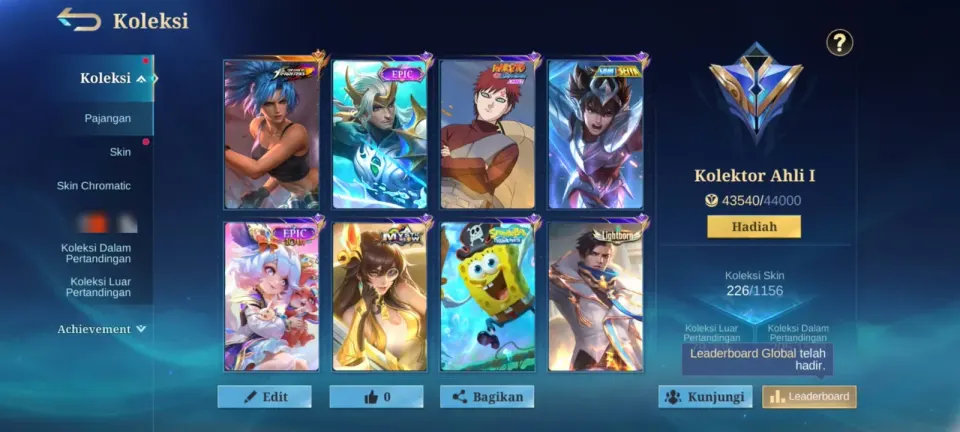
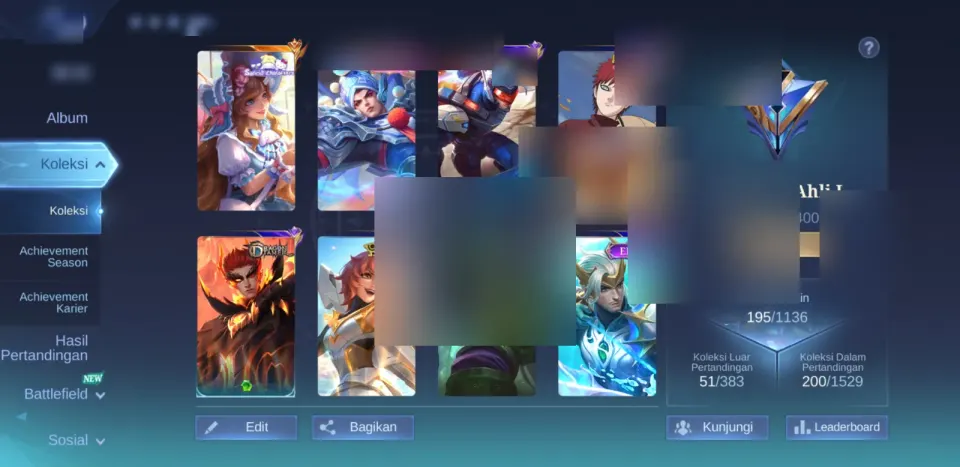
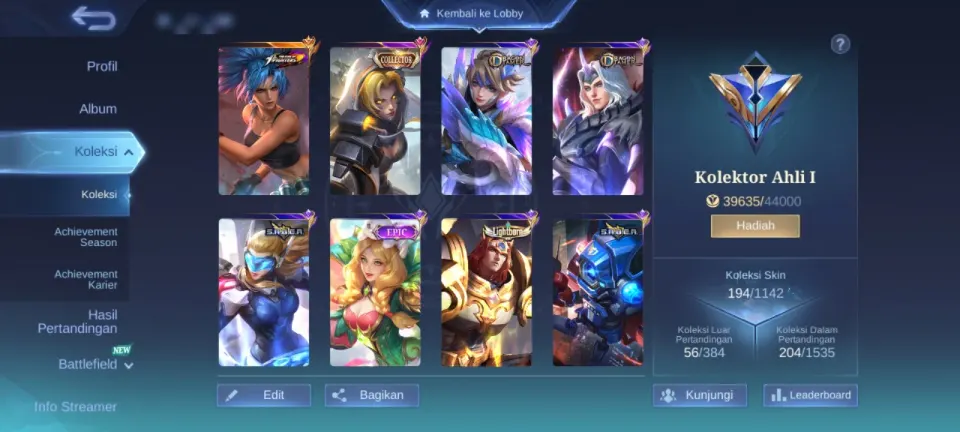
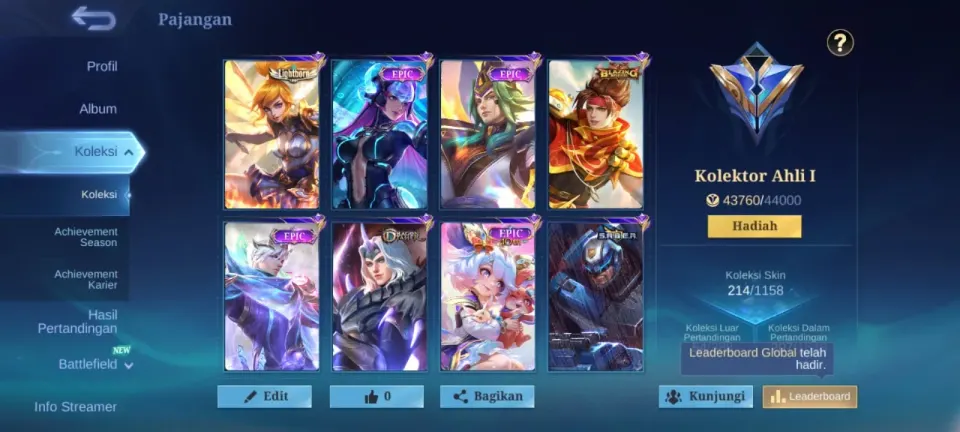
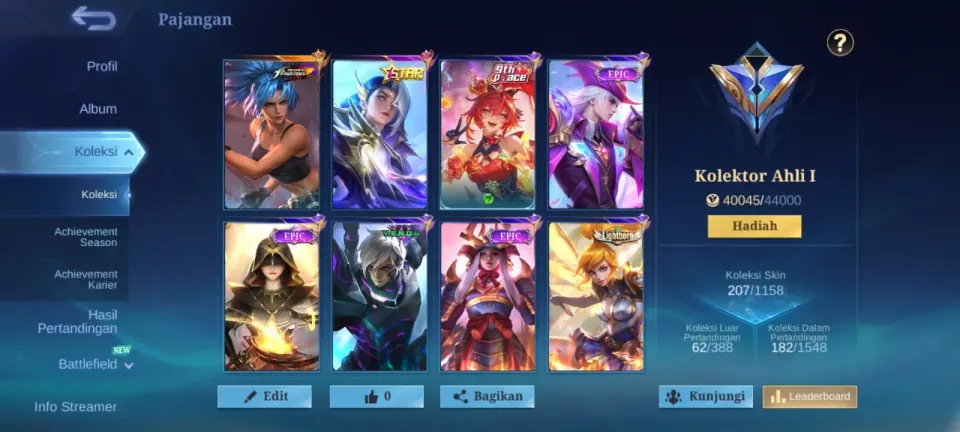
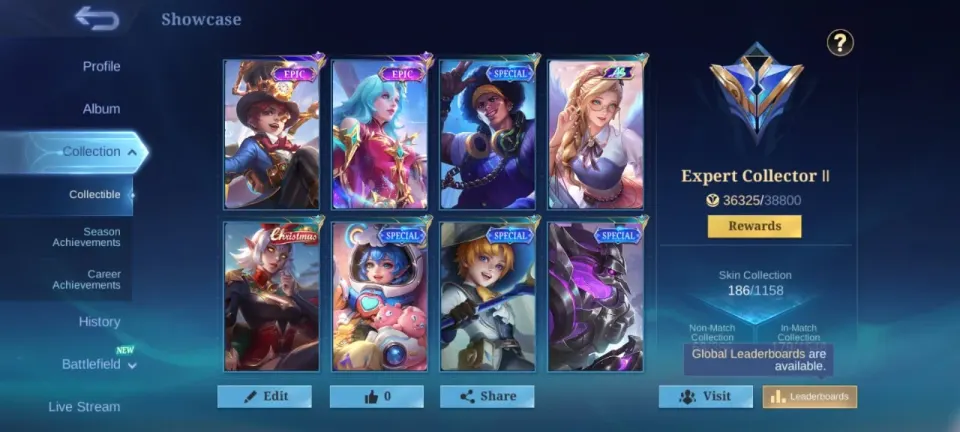
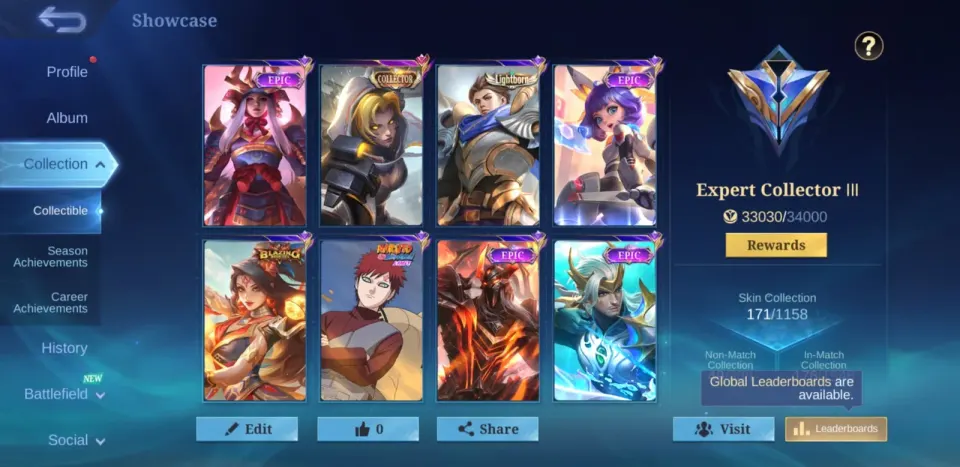
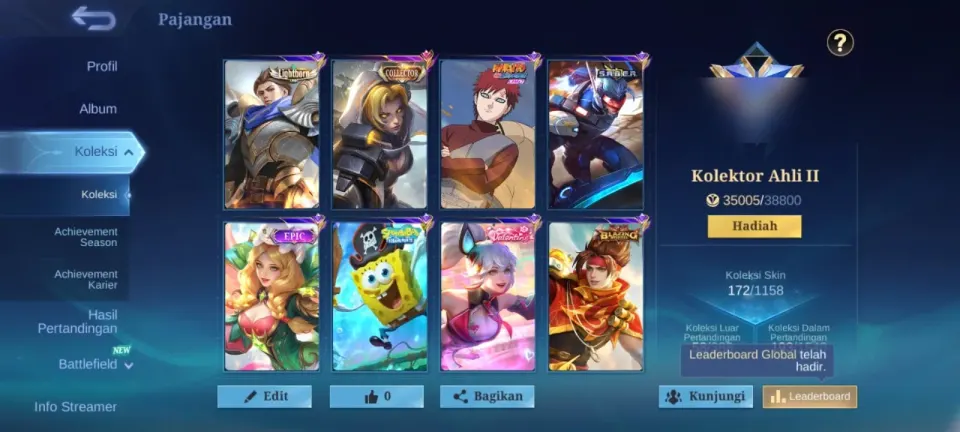
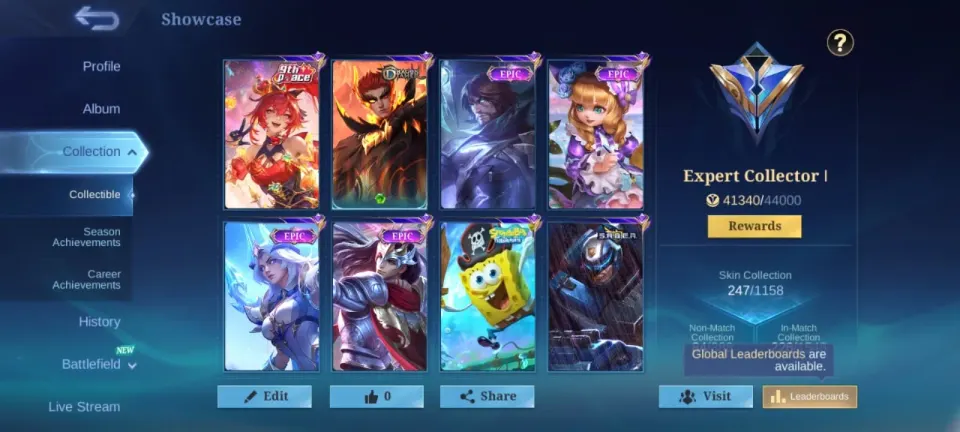
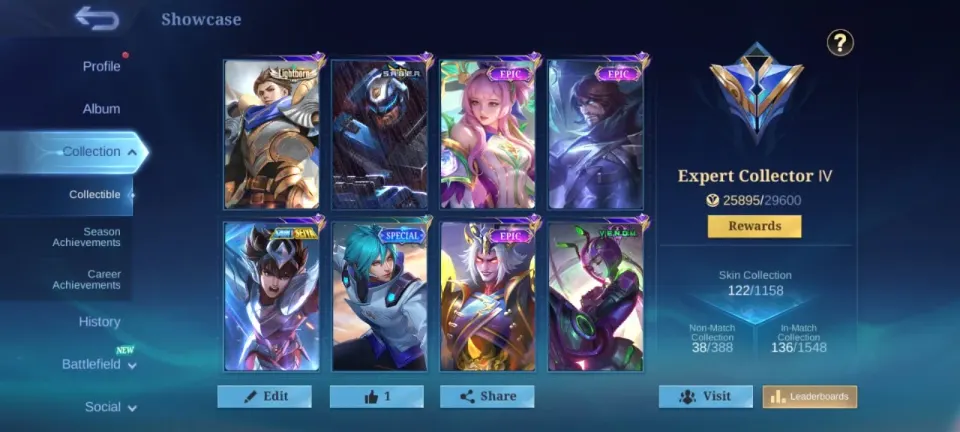
Look beyond the headline level. Compare the progression, collection, region and platform shown on each listing. Contents vary between accounts; use the individual offer as the source for what you will receive.
- Check the screenshots and listed account contents.
- Review the seller’s rating and purchase reviews, where available.
- Confirm whether the original email is included and whether the account email can be changed.
- Read the delivery method and warranty terms for the specific offer.
From choosing an account to getting access
Open an offer to review the full details before checkout. Delivery can be automatic or seller-assisted, as stated on the listing. Follow the transfer instructions supplied with your order and keep questions in the FullBoosts order chat.
Questions about account listings
Do all accounts include the same items?
No. Progress, items and access arrangements are specific to each account. Check the offer description and screenshots rather than assuming that another account at the same level has identical contents.
Can I change the account email?
Check the email-change and original-email information on the offer. These are separate details and may differ between listings.
Where can I check the warranty?
The offer and checkout show the applicable protection and options. Review those details before purchase, along with our terms of service.
Looking for services for your existing account? Explore Mobile Legends services.