5Buy PUBG Mobile Accounts
Compare accounts from approved sellers. Find the rank, collection and access you want, then review the details before buying.
5
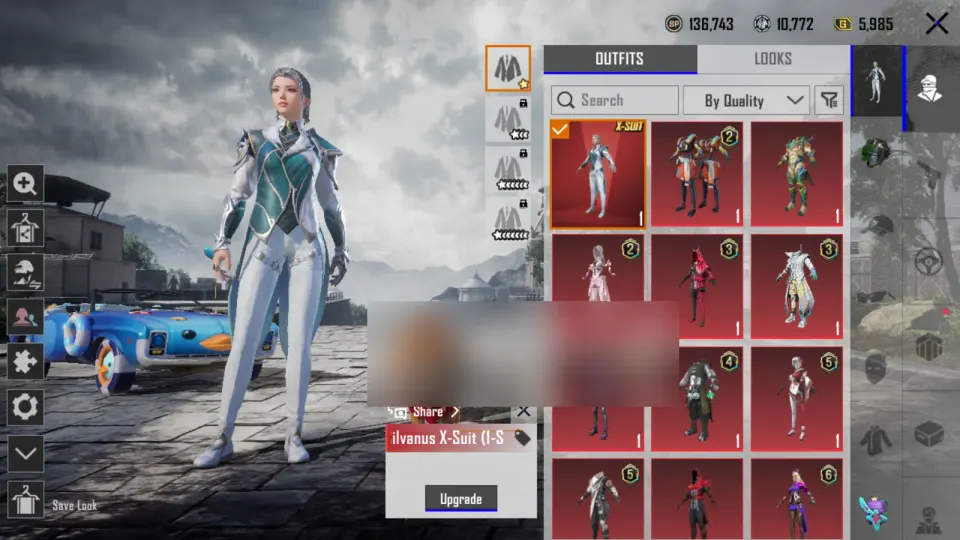
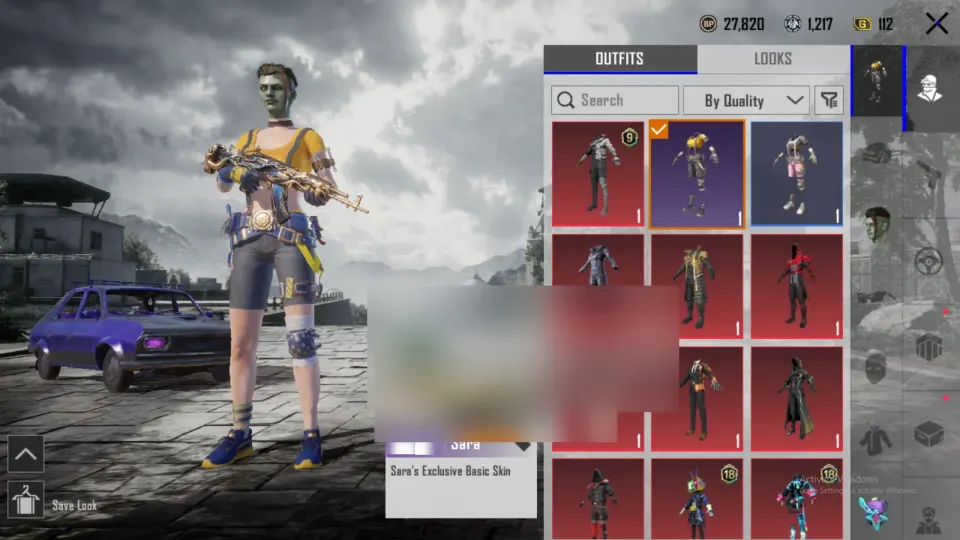
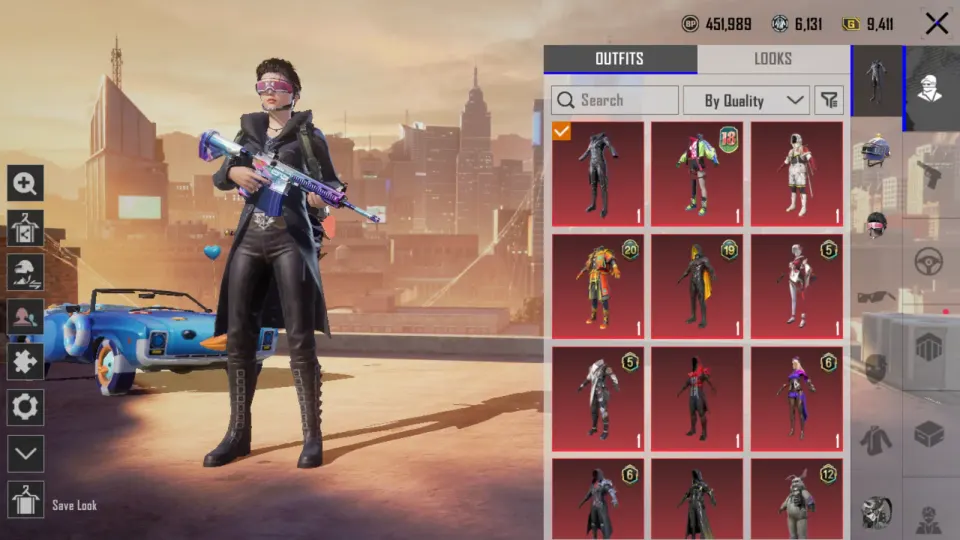
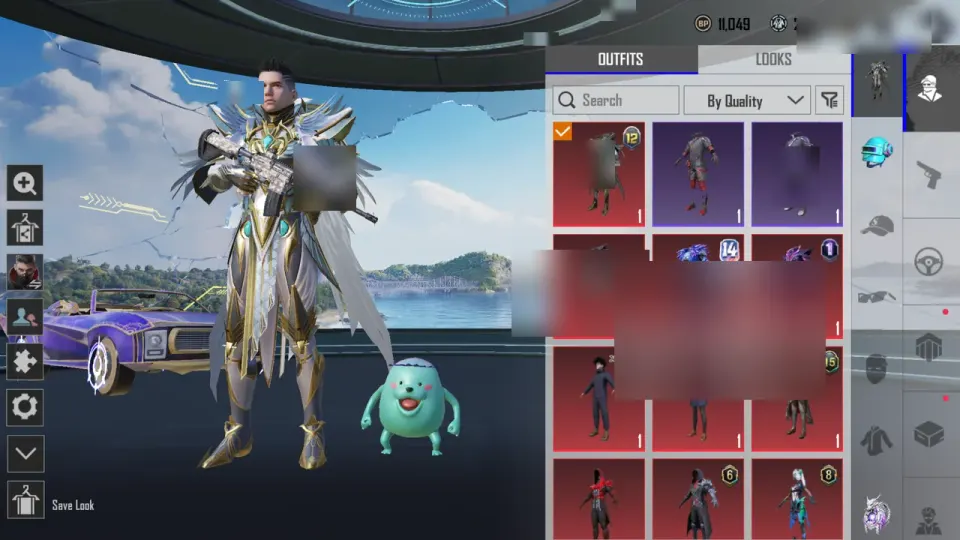
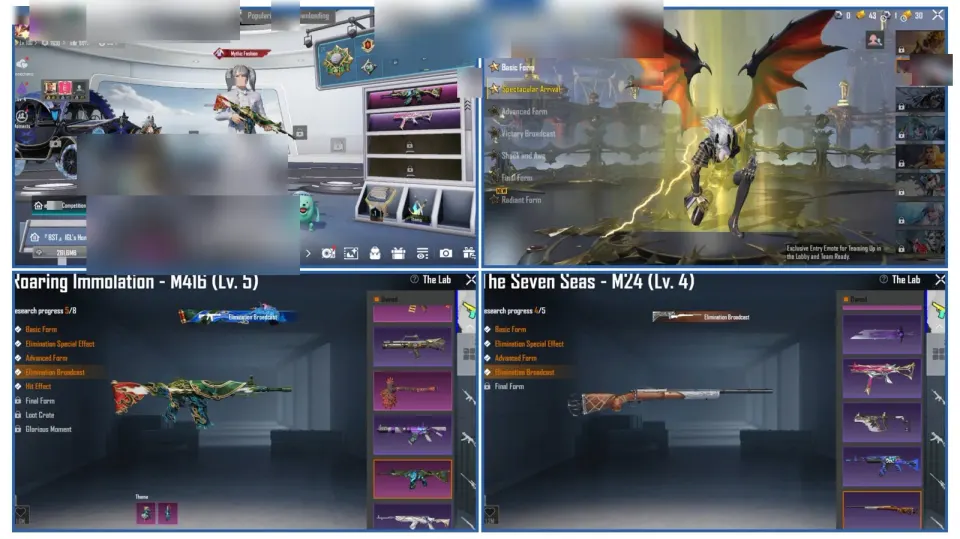
10PUBG Mobile Account · Level 64 · Platinum · 222 Cosmetics
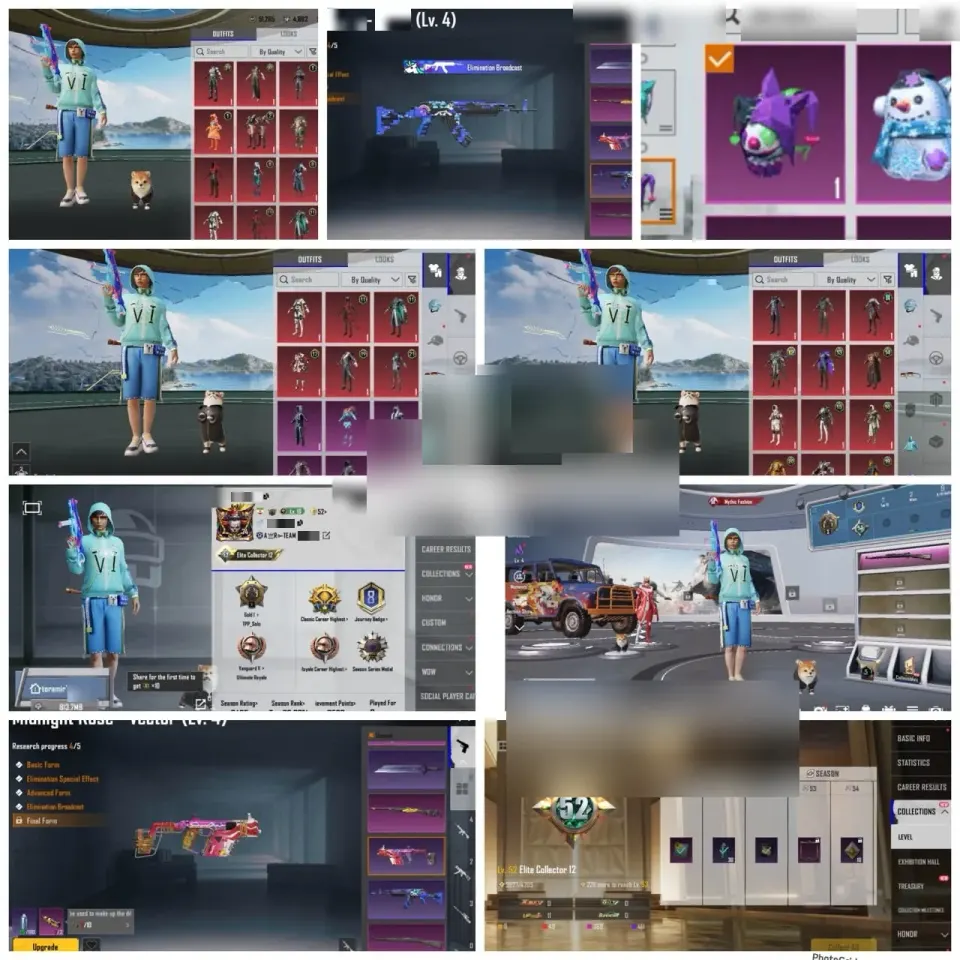
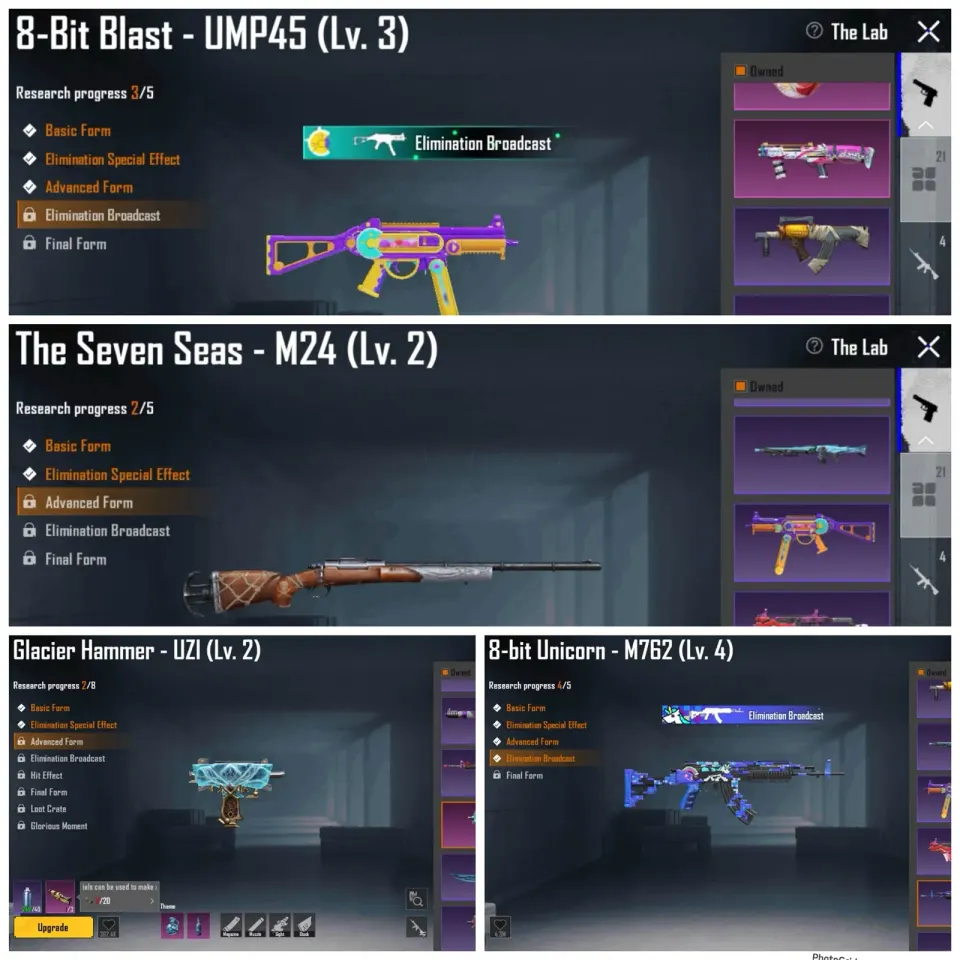
1PUBG Mobile Account · Level 69 · 400 Cosmetics · 10 Weapon Skins
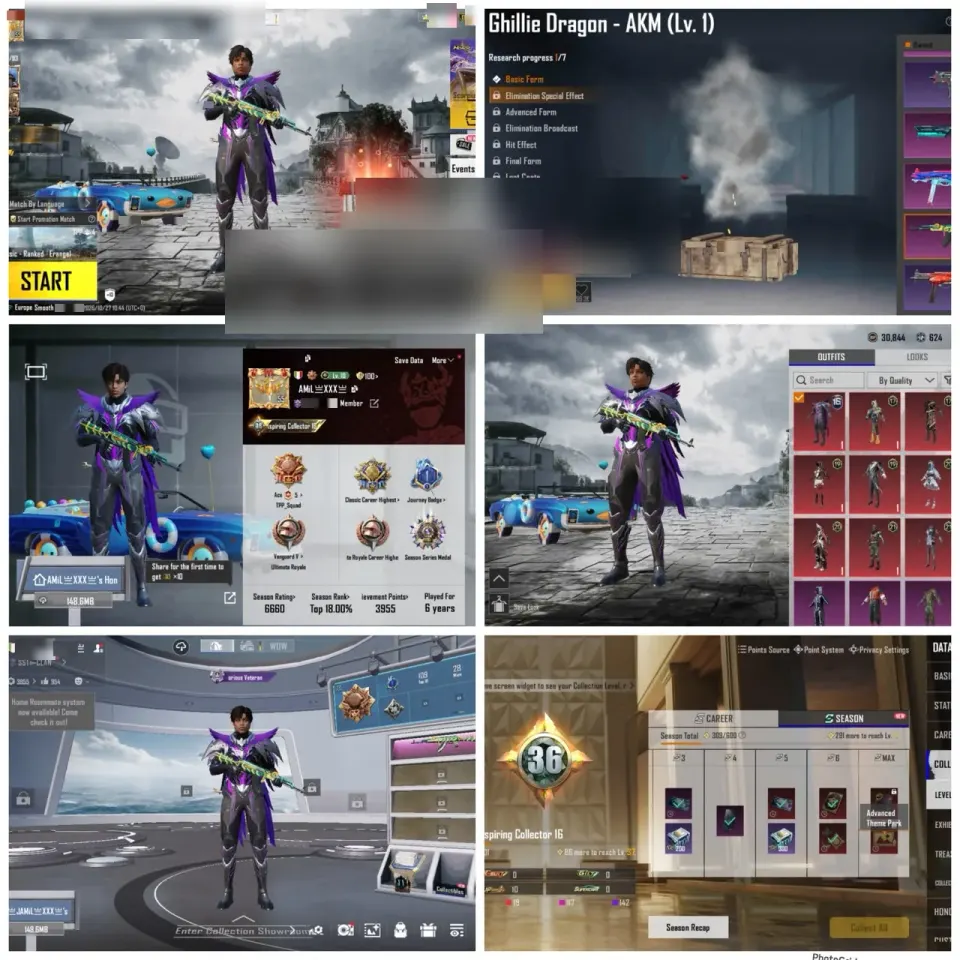
2PUBG Mobile Account · Level 66 · Ace · 550 Cosmetics
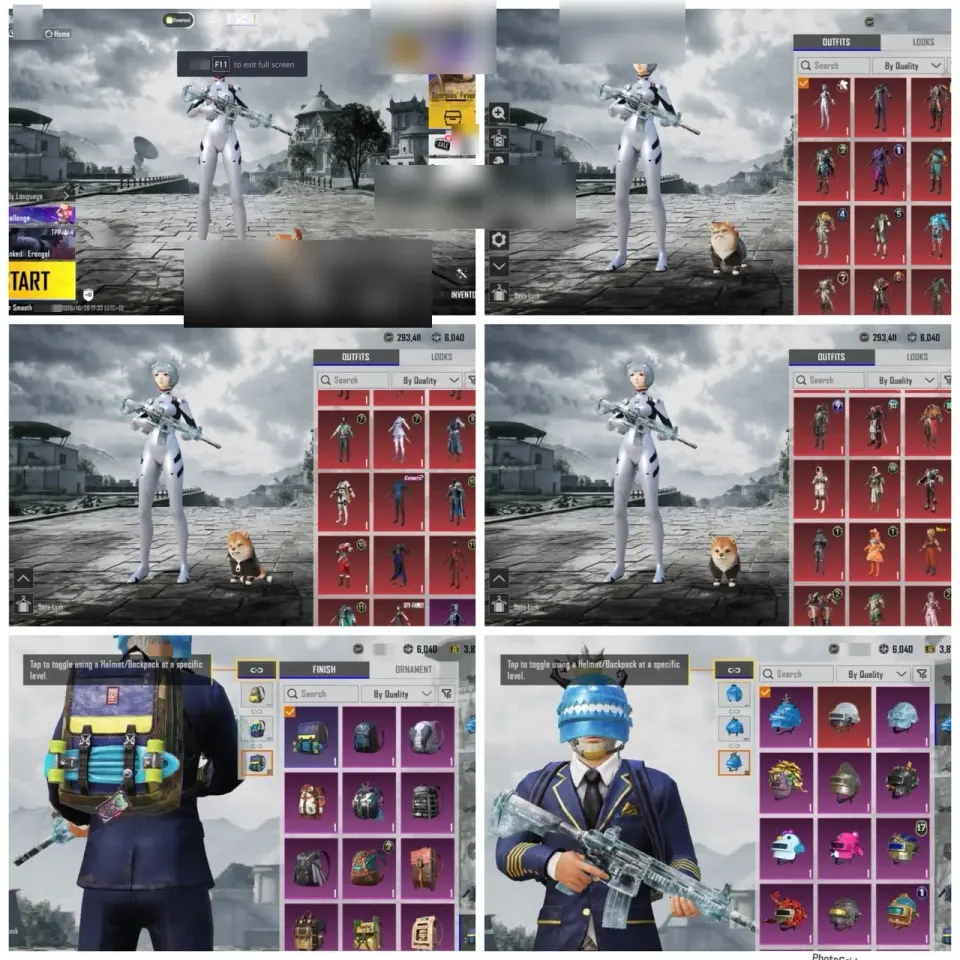
10PUBG Mobile Account · Level 72 · Diamond · 607 Cosmetics
4PUBG Mobile Account · Level 76 · Platinum · 657 Cosmetics
10PUBG Mobile Account · Level 77 · Ace · 200 Cosmetics
10PUBG Mobile Account · Level 72 · Ace · 211 Cosmetics
10PUBG Mobile Account · Level 69 · Diamond · 222 Cosmetics
1PUBG Mobile Account · Level 77 · Conqueror · 800 Cosmetics
10PUBG Mobile Account · Level 71 · Bronze · 200 Cosmetics
2PUBG Mobile Account · Level 75 · Ace · 800 Cosmetics
4PUBG Mobile Account · Level 75 · Conqueror · 1000 Cosmetics
10Sold outPUBG Mobile Account · Level 65 · Gold · 222 Cosmetics
1Sold outPUBG Mobile Account · Level 74 · Ace · 700 Cosmetics
2Sold outPUBG Mobile Account · Level 77 · Ace · 1000 Cosmetics
2Sold outPUBG Mobile Account · Level 77 · Conqueror · 1000 Cosmetics
1Sold outPUBG Mobile Account · Level 55 · Ace · 300 Cosmetics
2Sold outPUBG Mobile Account · Level 72 · Ace · 800 Cosmetics
10Sold outPUBG Mobile Account · Level 68 · Gold · 200 Cosmetics
10Sold outPUBG Mobile Account · Level 39 · Gold · 200 Cosmetics
1Sold outPUBG Mobile Account · Level 70 · Ace · 550 Cosmetics
10Sold outPUBG Mobile Account · Level 74 · Platinum · 582 Cosmetics
PUBG Mobile accounts: find the right fit
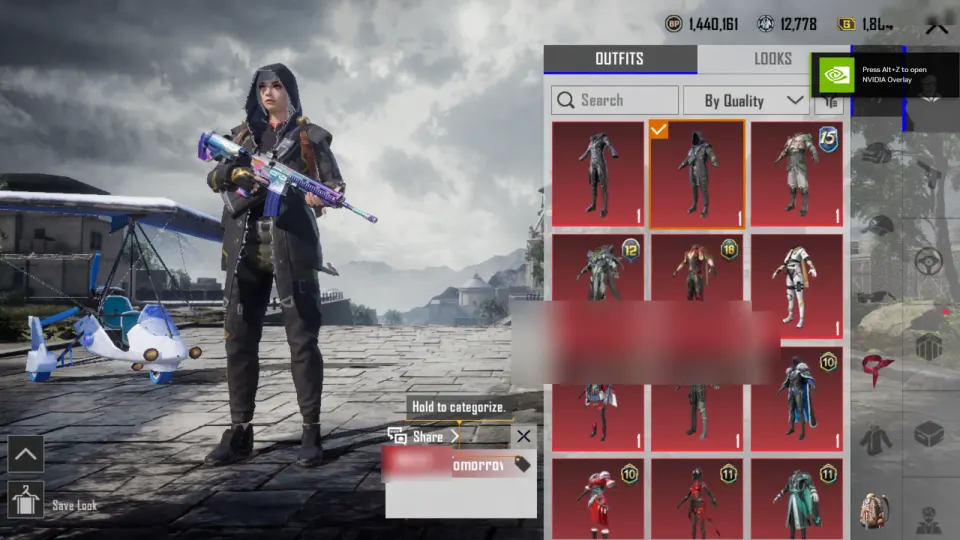
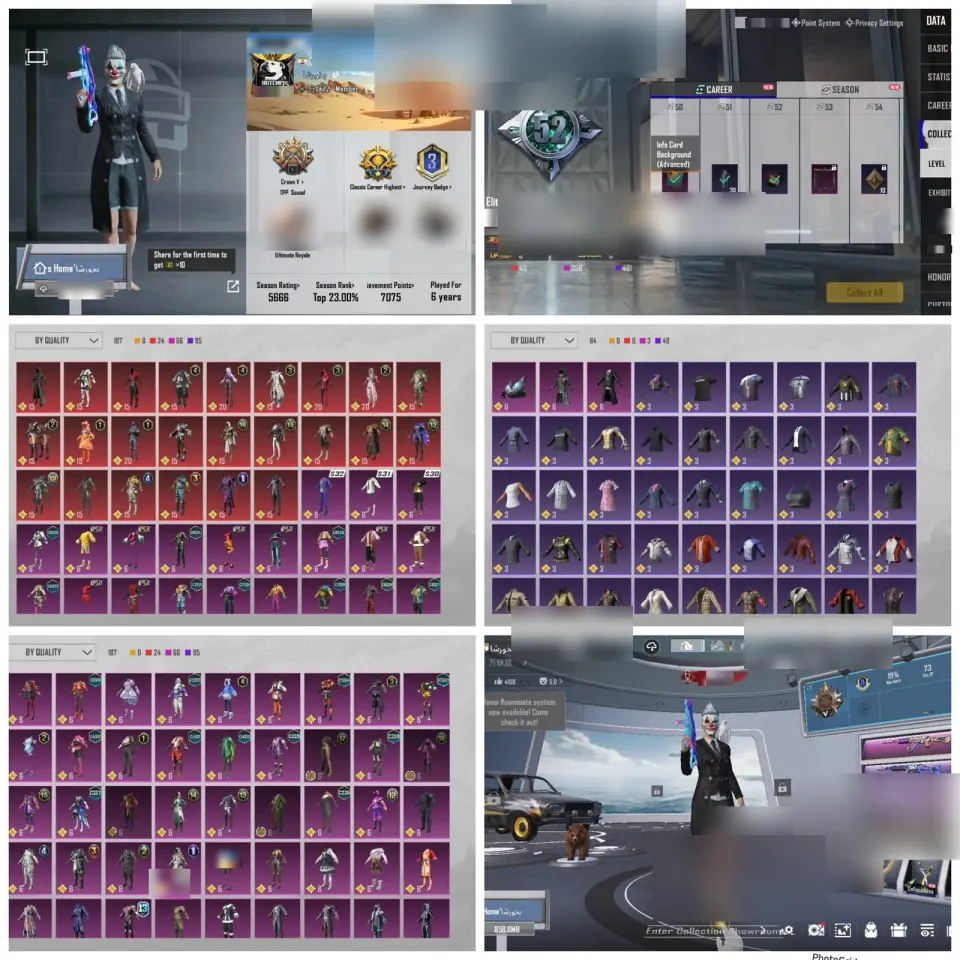
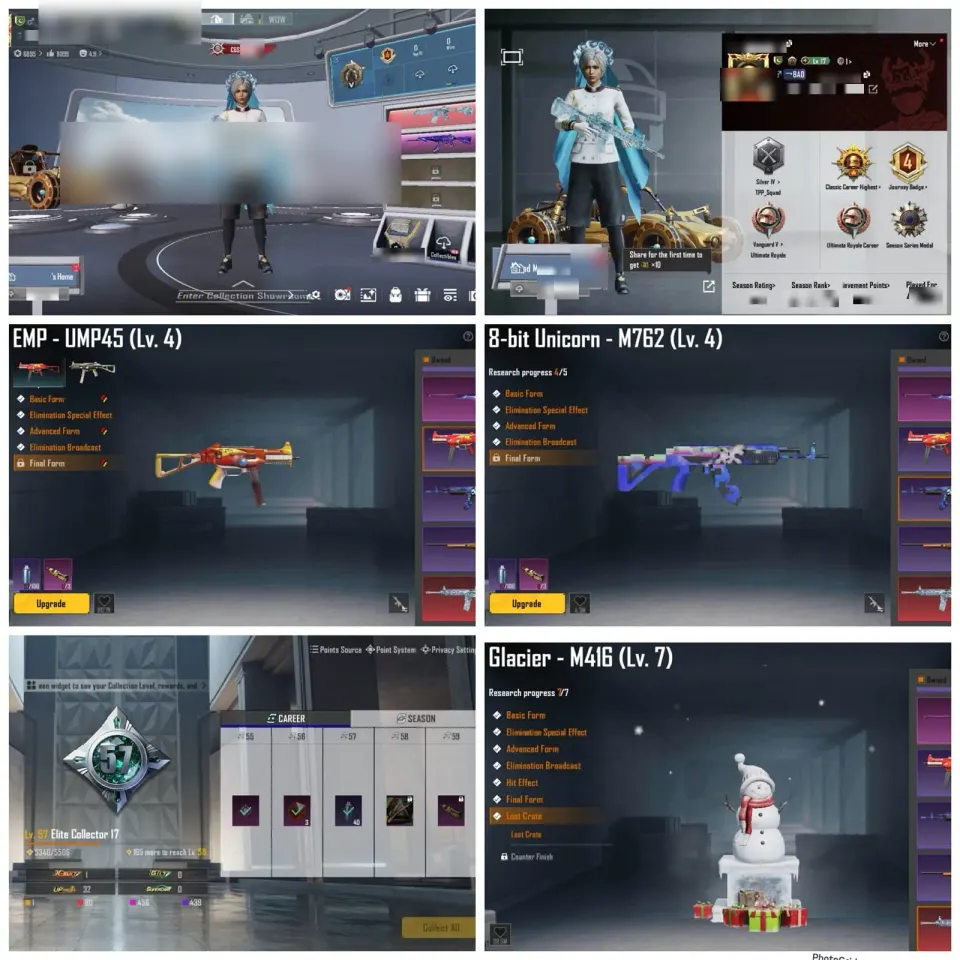
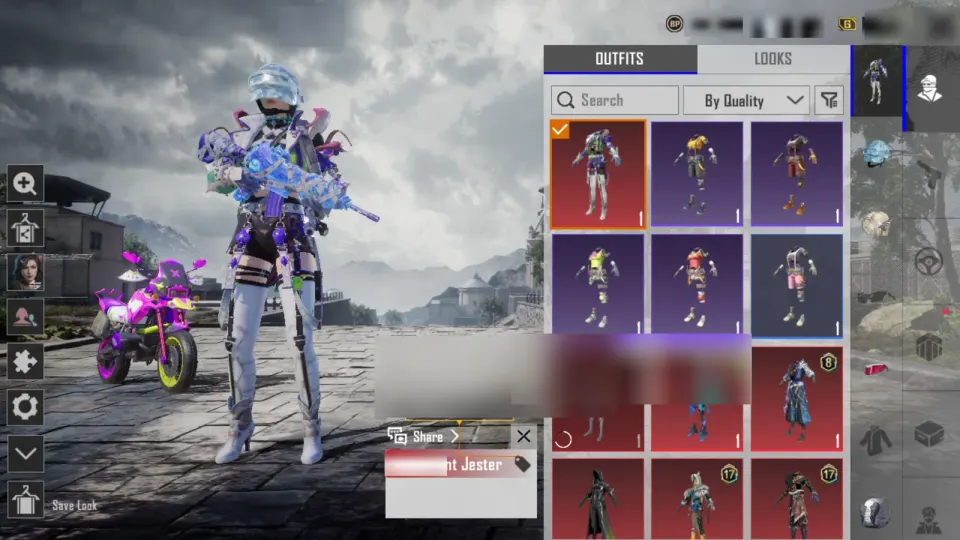
Compare the accounts listed on FullBoosts by progression, price and access details. Each listing brings its screenshots, account specifications and seller information together so you can check what is included before ordering.
What to compare before you choose
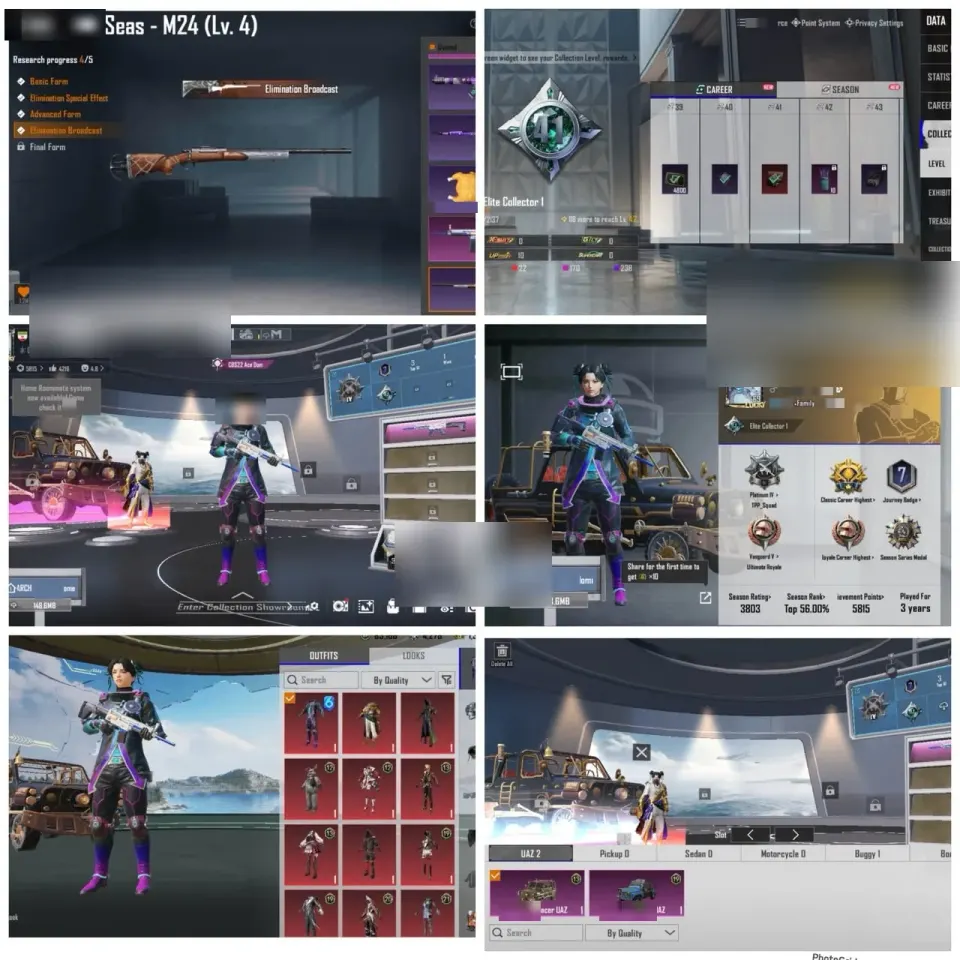
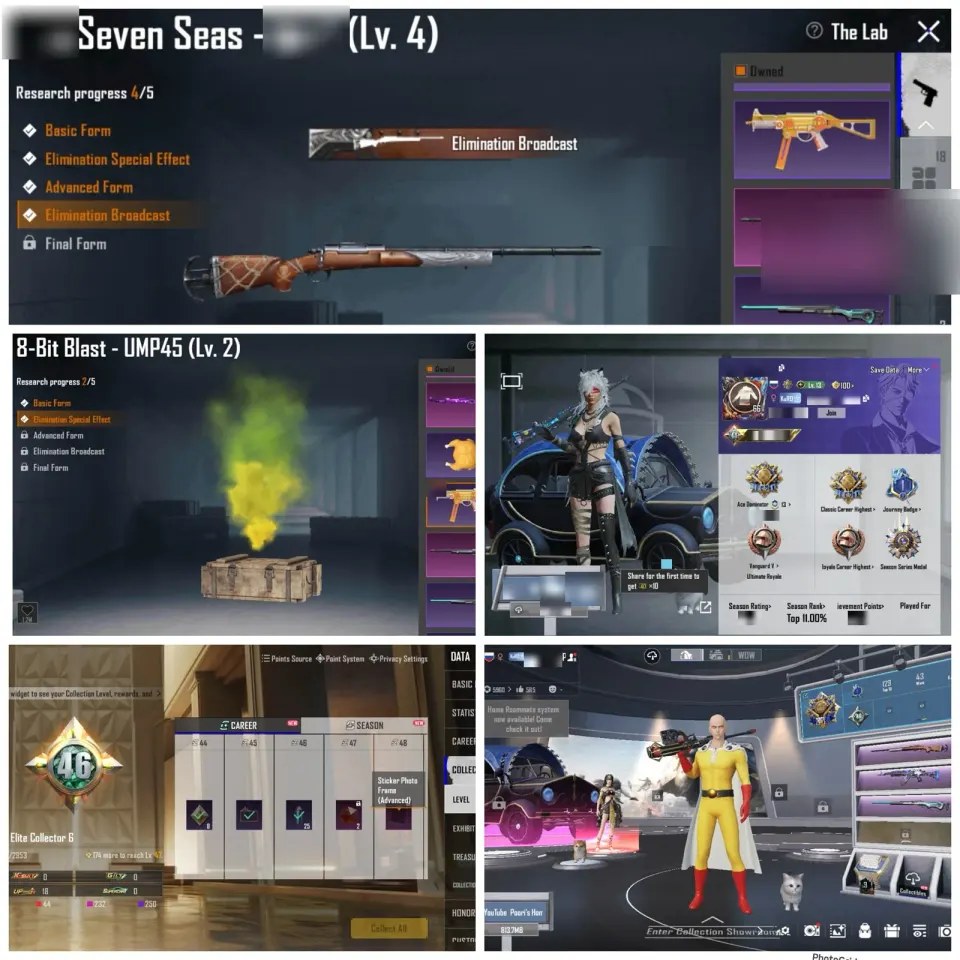
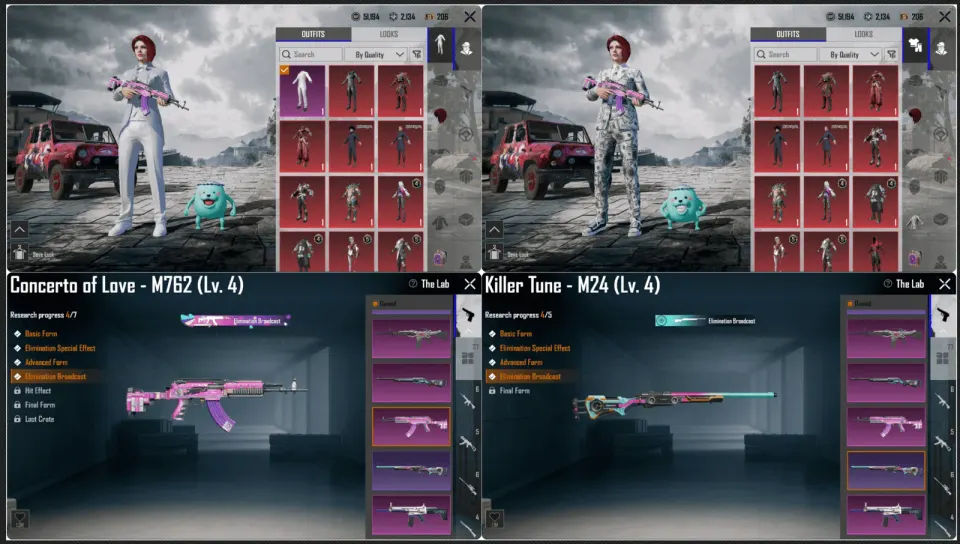
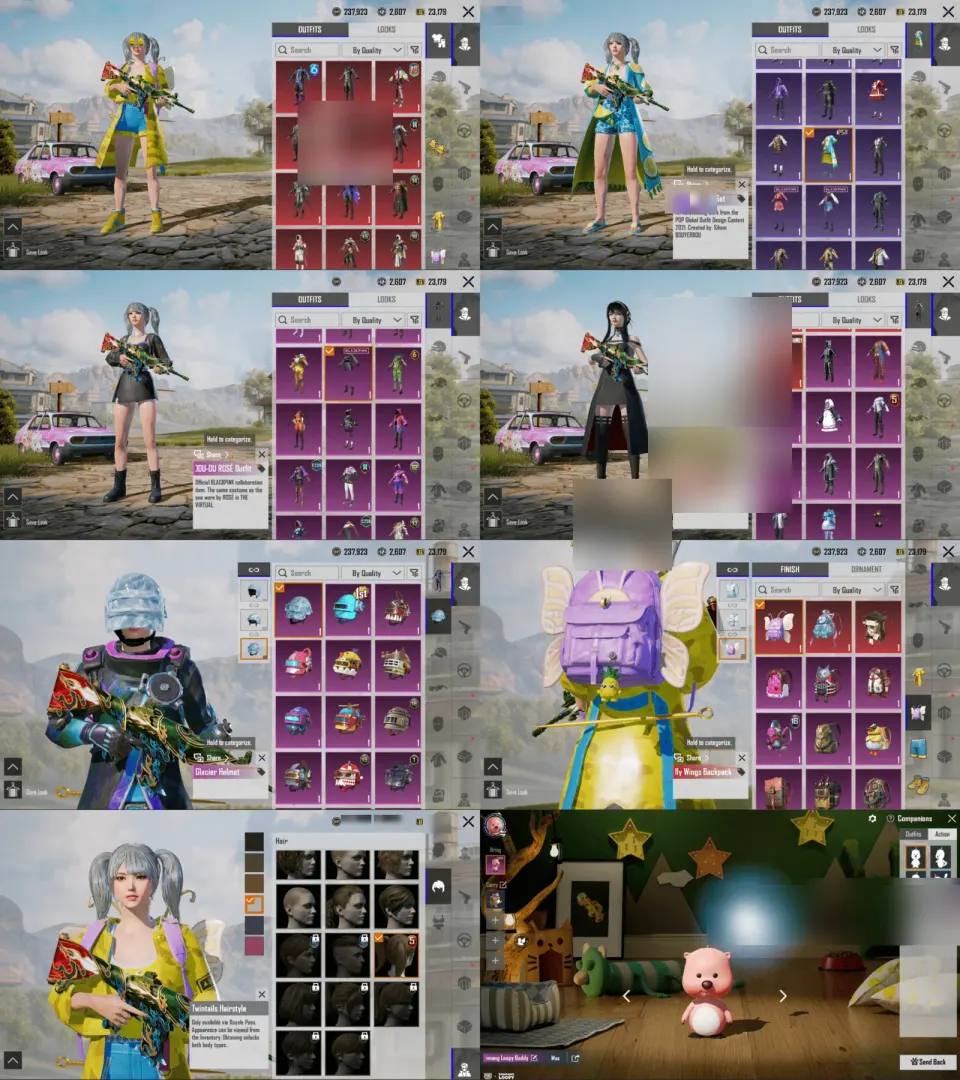
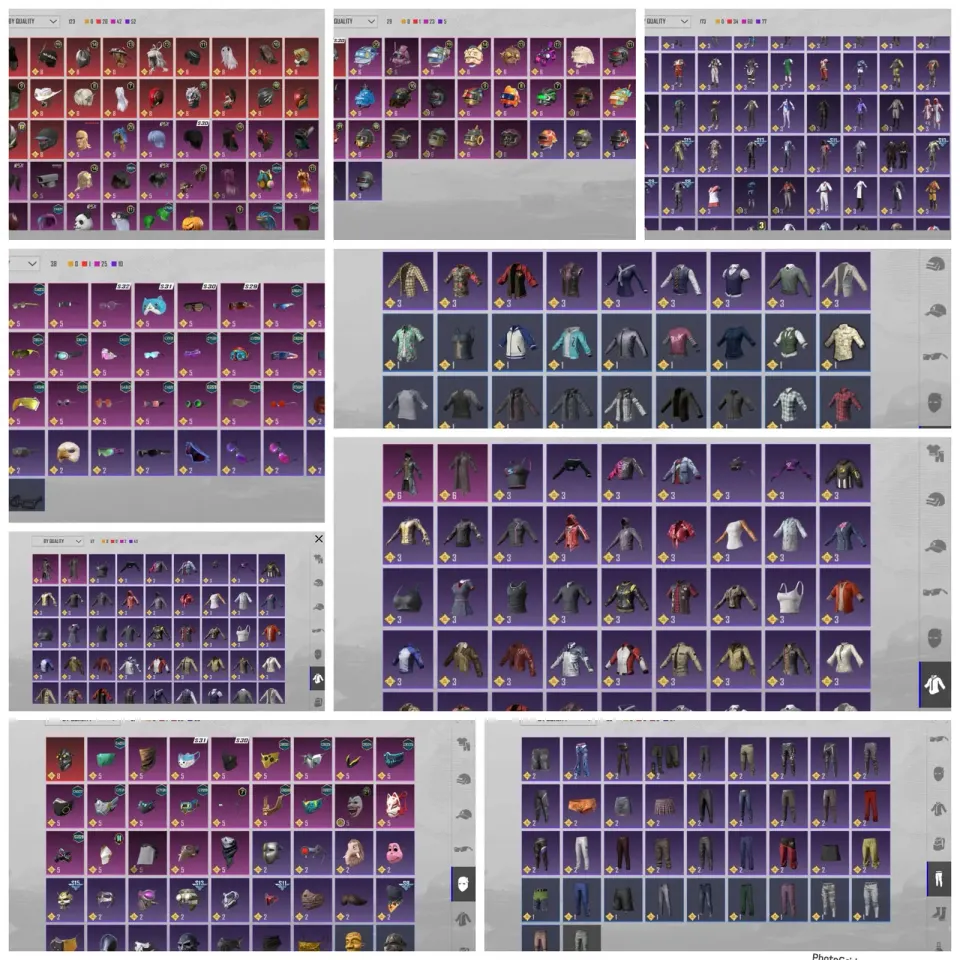
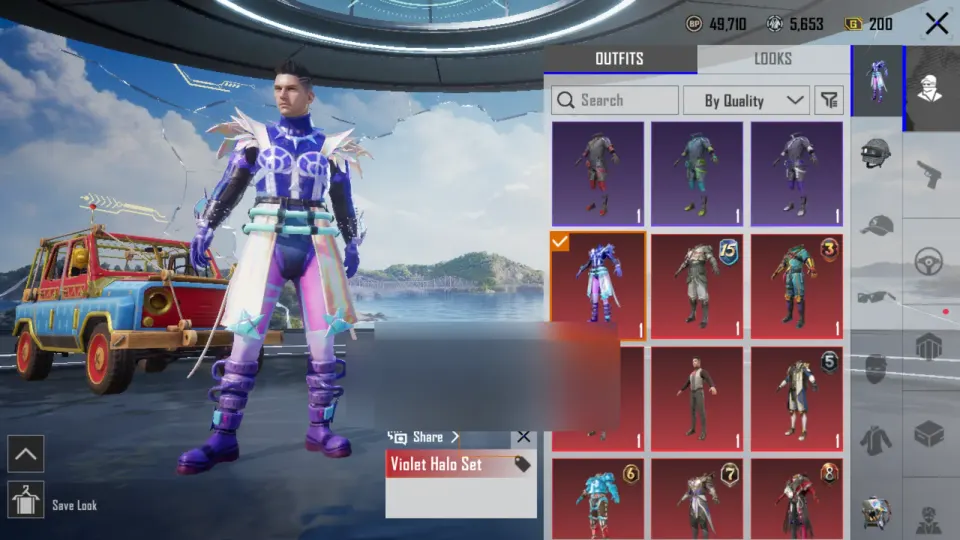
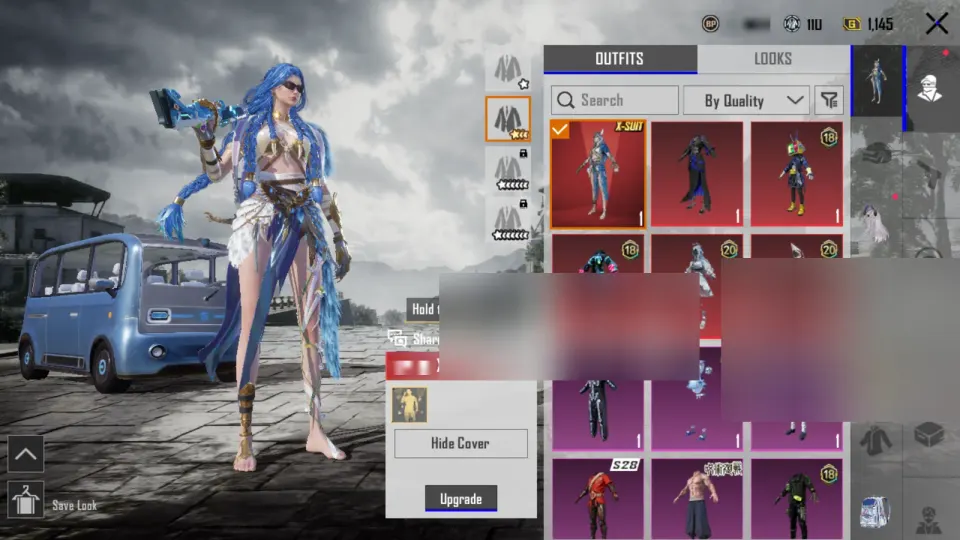
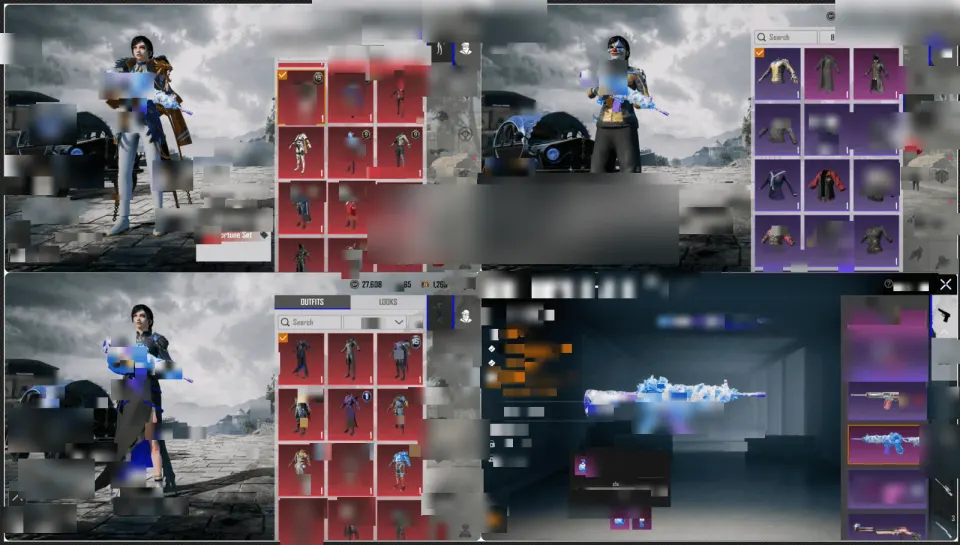
Look beyond the headline level. Compare the progression, collection, region and platform shown on each listing. Contents vary between accounts; use the individual offer as the source for what you will receive.
- Check the screenshots and listed account contents.
- Review the seller’s rating and purchase reviews, where available.
- Confirm whether the original email is included and whether the account email can be changed.
- Read the delivery method and warranty terms for the specific offer.
From choosing an account to getting access
Open an offer to review the full details before checkout. Delivery can be automatic or seller-assisted, as stated on the listing. Follow the transfer instructions supplied with your order and keep questions in the FullBoosts order chat.
Questions about account listings
Do all accounts include the same items?
No. Progress, items and access arrangements are specific to each account. Check the offer description and screenshots rather than assuming that another account at the same level has identical contents.
Can I change the account email?
Check the email-change and original-email information on the offer. These are separate details and may differ between listings.
Where can I check the warranty?
The offer and checkout show the applicable protection and options. Review those details before purchase, along with our terms of service.
Looking for services for your existing account? Explore PUBG Mobile services.