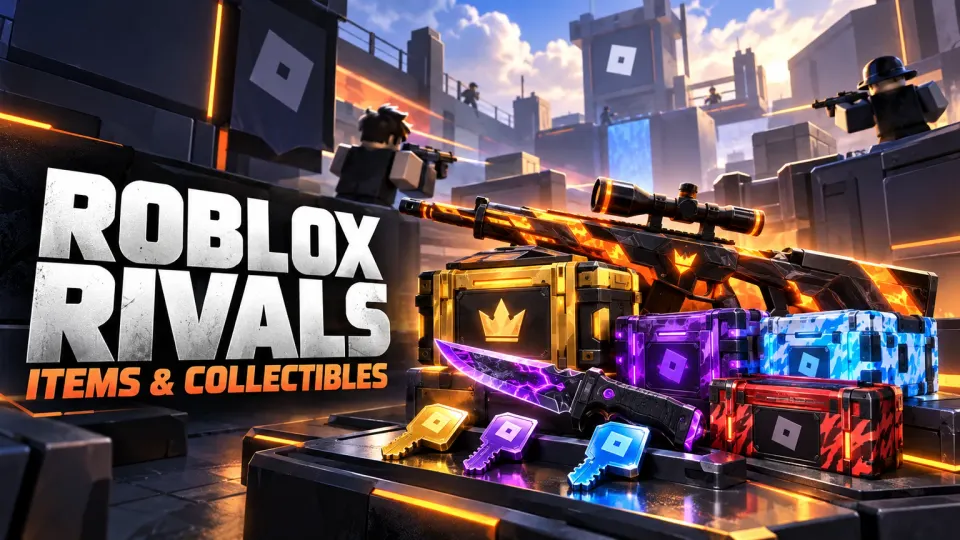

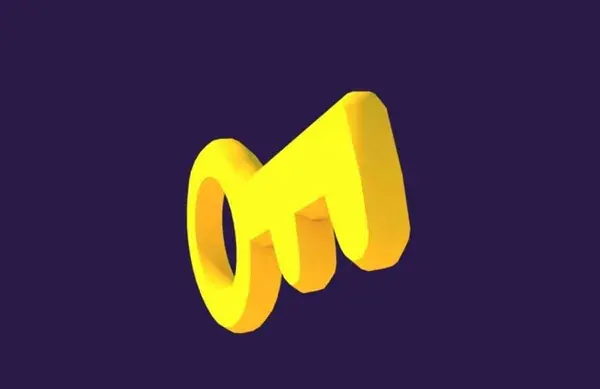
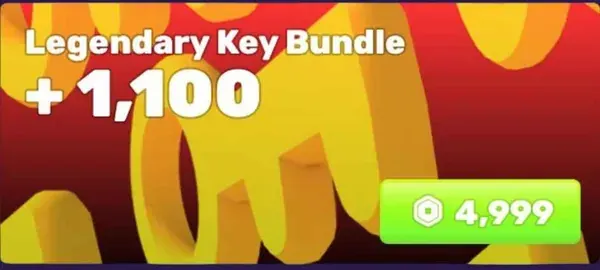
1,100 Legendary Key Bundle
- Type
- Bundles
- Options
- ×1
- Delivery
- Trade · 1 hour
Roblox RivalsIn-game trade
FullBoosts Team✓Official store

Price$51.38Buy now →
Items, bundles and crates from the FullBoosts Team. Choose a variant and quantity, check out, and receive it by in-game trade.


 2 options
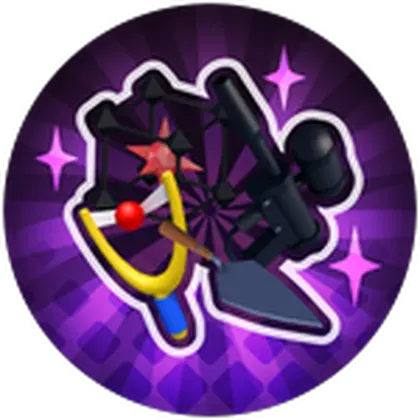
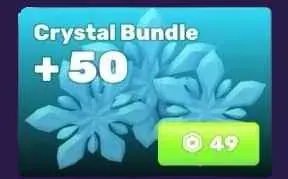
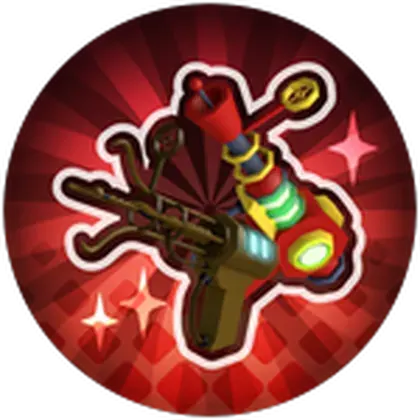
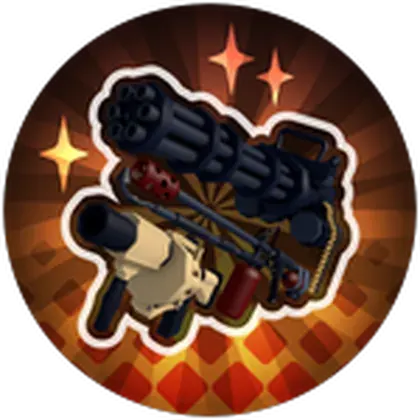
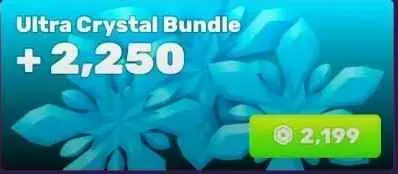
Browse Roblox Rivals items by the weapon, bundle or crate you want. The selection includes named bundles and different key quantities alongside weapon and seasonal offers. Comparing the contents first makes it easier to find an option that fits your collection.
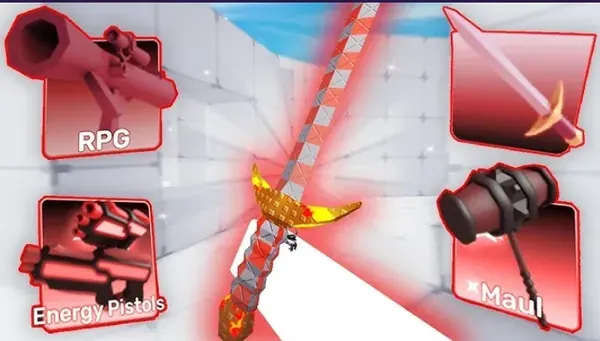
Read the full product description to distinguish a weapon-related offer from a cosmetic or named bundle. Do not assume every accessory shown in category artwork is included. Choose the exact version and check the listed components.
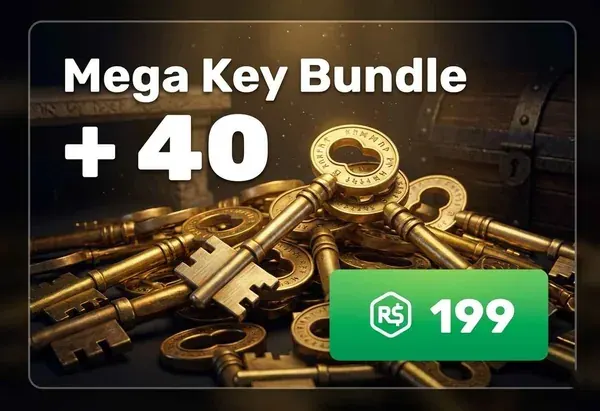
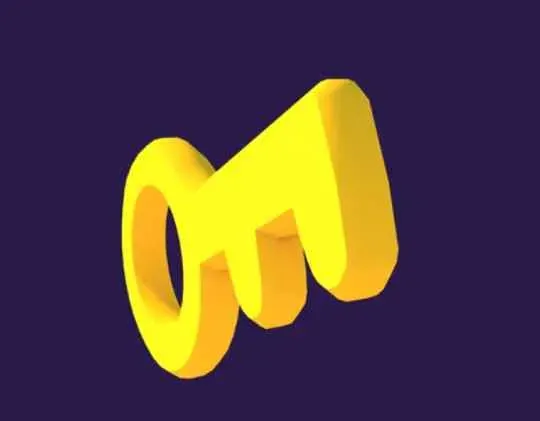
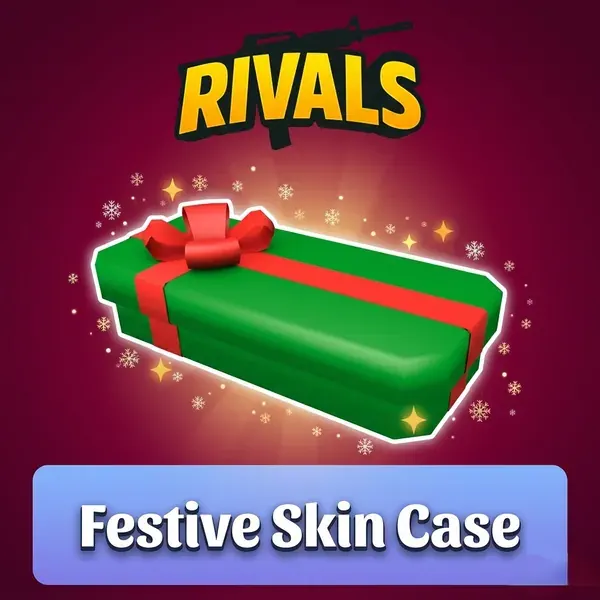
Compare key bundles by their named type and quantity. A crate purchase is also different from a specific item purchase: opening a crate should not be treated as a guarantee of an unlisted reward. Check whether you want the container or the item itself.
Choose the listed item, select its variant and quantity, then review the total at checkout. Your order chat keeps the delivery arrangements and questions in one place. Follow the method and requirements specified for your purchase; the estimate on the offer is not a promise of instant delivery.
The written bundle contents define the purchase. Ask about anything unclear before ordering.
Only if an offer explicitly sells a named reward. A crate listing alone does not guarantee a particular outcome.
Contact the FullBoosts Team in your order chat. Review our refund policy and terms of service for the conditions that apply to your purchase.
Explore Roblox Rivals services or browse items for another game.