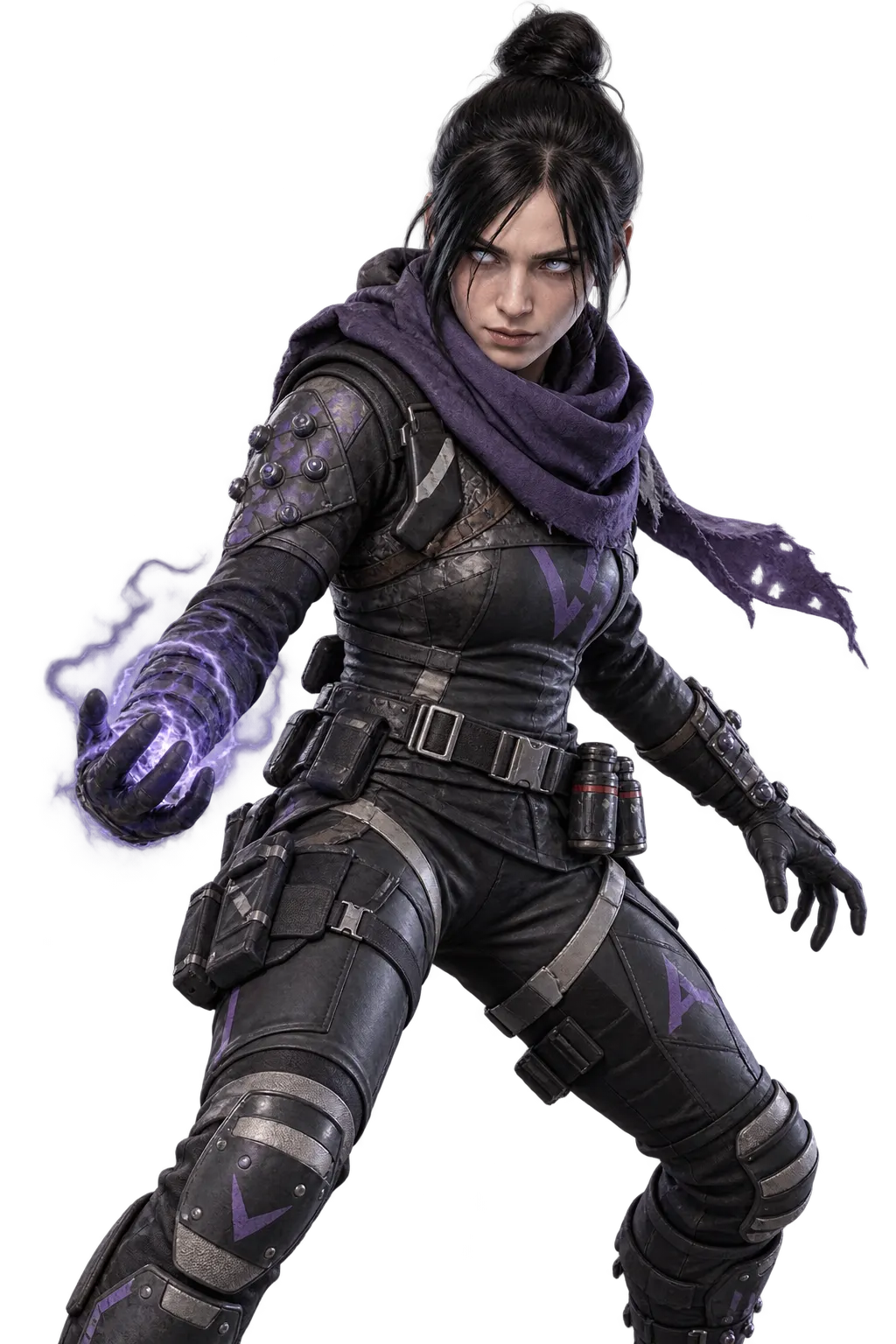
Apex Legends Battle Pass
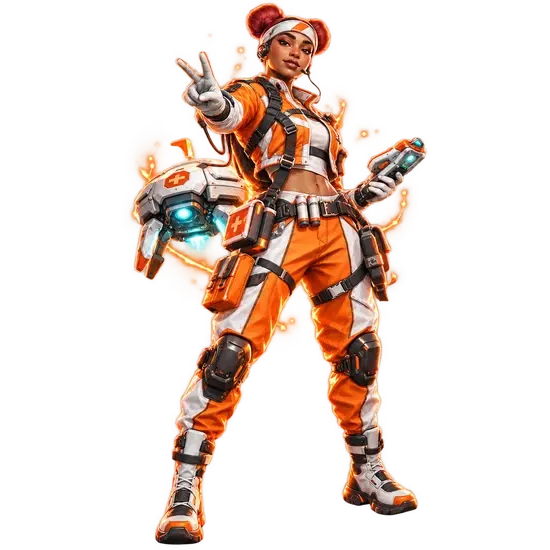
Battle Pass
FULLBOOSTS / GAME SERVICES
Buy an Apex Legends Battle Pass top-up and have the edition you want switched on for your account by a verified player. You pick Ultimate or Ultimate+, and the pass is purchased and activated for you.
What you get
- The Apex Legends Battle Pass edition you select, active on your account
- Ultimate Battle Pass: every reward on the premium track, plus 8 Apex Packs and 1,200 Crafting Metals released right away
- Ultimate+: the same bundle plus 10 levels up front, all Legends playable for the length of the Split, 2 exclusive Legendary skin variants and 10 extra Exotic Shards
- Purchase handled through the order page, with a notification when it is finished
Requirements
- A working account you can sign into
How to set up your order
Choose a Type of Battle Pass: Ultimate or Ultimate+. The second tier costs more because of the bonus levels, skin variants and Exotic Shards listed above. Completion Speed is optional: Express or Super Express puts your order higher in the queue. Exact timing is confirmed in order chat before any work starts.
A verified player completes the purchase on your account, and you send your login only through the encrypted form on the order page, never in chat. Stay logged out until you are told the order is complete.
About this Battle Pass top-up
This is a top-up, not a leveling service. Once the pass is switched on, levels still come from your own matches and the seasonal challenges, so the order is about unlocking the paid reward track for the current split, which holds skins, packs, metals and other premium extras.
Why players buy a Battle Pass
When you shop for the Apex Legends Battle Pass, the main decision is the edition. Ultimate opens the whole paid track plus instant bonuses. Ultimate+ stacks extra levels, Legend access for the Split and bonus cosmetics on top. Pick the edition, place the order, and start earning season rewards once the pass is live.
Get started
Getting the pass takes only a few steps: choose the edition, finish checkout, and wait for the completion notice. It applies to eligible Apex Legends platforms.
Related services
- Battle Pass Leveling: once the pass is active, add levels without grinding every match.
- Battle Royale Rank Boost: climb ranked while the season rewards stack up.
- Legend's Wake damage and kills bundle: badge-focused play that pairs with a fresh pass.
- Ranked Unlock: open ranked mode through its challenges.
- Apex Coins: currency for store items outside the pass.
Frequently asked questions
What does the Apex Legends Battle Pass top-up include?
You get the edition you ordered activated on your account, with the rewards listed for Ultimate or Ultimate+.
Which edition should I buy?
Ultimate covers the full reward track and the instant packs and metals. Ultimate+ adds levels, Legend access for the Split, two Legendary skin variants and extra Exotic Shards.
How quickly will my pass be live?
That comes down to queue position and any speed tier you add. Your timing is set in order chat before the purchase starts.
Do I need to log out?
Yes. Keep the account closed until the order is marked complete so the purchase is not interrupted.
Will the order raise my pass level?
No. It activates the edition only. Levels are earned afterwards through normal play and seasonal challenges, or with a separate leveling order.
Is there a warranty?
Yes, after your order is completed: 8 business days, or 2 business days when a top-rated booster completes it. Some top-rated boosters offer their service without a warranty. Your order page shows exactly which applies as soon as a booster is assigned; if it shows no warranty and you want one, ask support for a different booster before the work starts.
Is it safe?
FullBoosts assigns verified players and protects piloted-service logins with an encrypted form on the order page. Only you and your assigned player can access those credentials while the order is open; they are erased when the order closes or a dispute is opened. Keep logins out of chat. Where Self-play is available, you play together and keep control of your account. Every delivered order has a 72-hour review window.
How ordering works
1. Choose your service
Select your options and review the total at checkout.
2. Meet your player
FullBoosts assigns a verified player. Agree the details in order chat and follow progress in your dashboard.
3. Review the result
After delivery, you have 72 hours to confirm the work or select Report a problem. If you take no action, the order completes automatically.
Need help? Use live chat in the bottom-right corner or email.
Terms and Refund Policy
Guides for Apex Legends
No written reviews for this offer yet. Customers can review an order once it is completed.
Customize your service
Type of Battle Pass
Completion Speed
You may also like
More Apex Legends services
Get Personalized Offer
Contact us and we’ll find the best deal or create a personalized order for you at a lower price with an immediately contact with PRO player.