

Creation fruit
- Type
- Fruits · Other
- Options
- ×1
- Delivery
- Trade · 1 hour
Blox FruitsIn-game trade
FullBoosts Team✓Official store

Price$19.31Buy now →

Items, bundles and crates from the FullBoosts Team. Choose a variant and quantity, check out, and receive it by in-game trade.


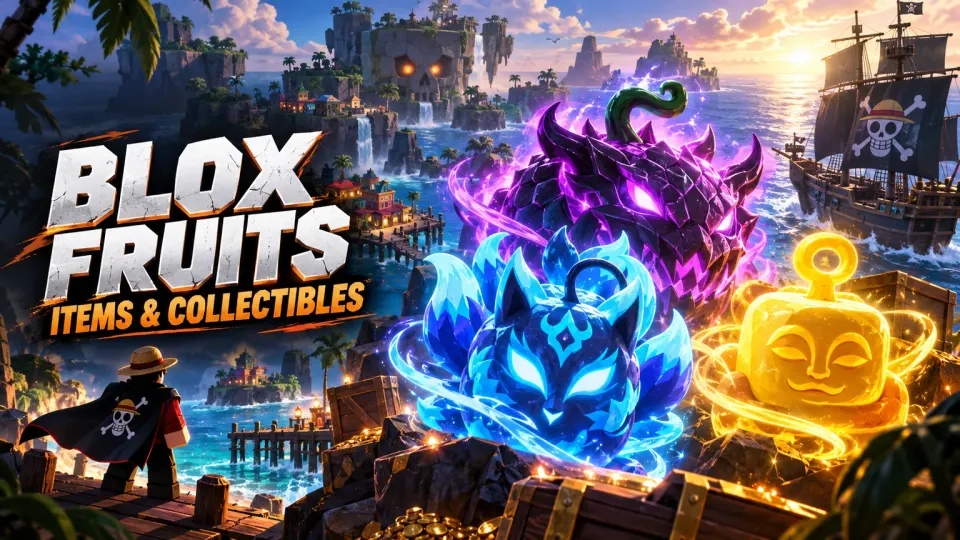

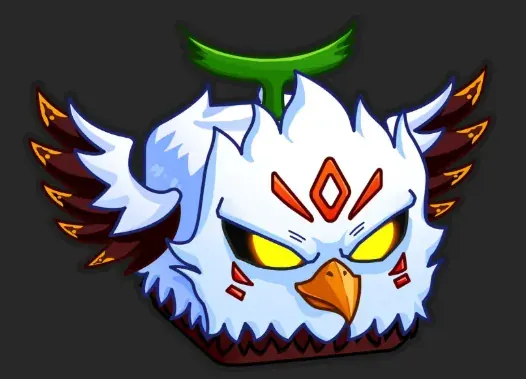














Build your Blox Fruits inventory around the fruit you actually want to use. This catalogue brings together fruit offers and gamepasses, with separate listings for permanent and non-permanent options. Search by name, then compare the selected version, quantity and price rather than treating every Dragon or Kitsune listing as the same purchase.
Read the complete variant name before choosing. A listing labelled permanent and a non-permanent fruit describe different purchases; a familiar fruit name alone does not settle what you receive. Check colour, skin or named form as well, especially when comparing Kitsune, Dragon, Tiger or Lightning offers.
Fruit Storage, Mastery and other gamepass offers should be compared by their stated contents. A bundle price is only useful when you know the quantity and exact unlock included. Use the item description to confirm the delivery method and any requirements before you pay.
Choose the listed item, select its variant and quantity, then review the total at checkout. Your order chat keeps the delivery arrangements and questions in one place. Follow the method and requirements specified for your purchase; the estimate on the offer is not a promise of instant delivery.
No. Only choose a permanent option when the listing explicitly says permanent. Review the selected variant again in your cart.
Match permanence, named form, quantity and delivery details first. Then compare prices for that same specification.
Contact the FullBoosts Team in your order chat. Review our refund policy and terms of service for the conditions that apply to your purchase.
Explore Blox Fruits services or browse items for another game.