Albion Online Silver
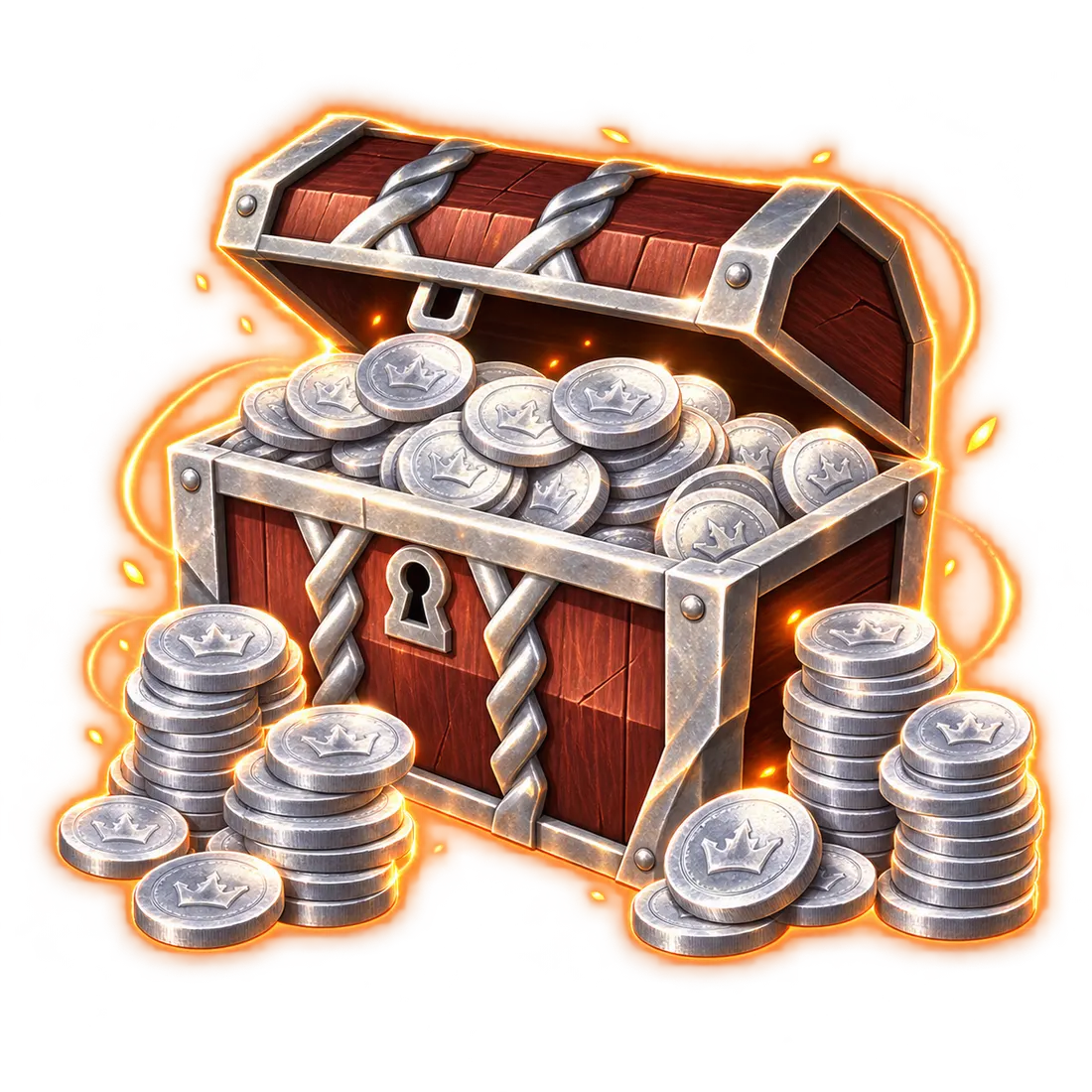
Silver
FULLBOOSTS / GAME SERVICES
Buy Albion Online Silver in the amount and region you choose and skip hours of manual farming. Silver is the backbone of the game's player-driven economy, and ordering it here is far simpler than grinding mobs, gathering and market flips when your time is short. An assigned player arranges delivery with you in order chat.
What you get
- Silver in any quantity you like, from 20 million on US and 25 million on EU and Asia, up to one billion in steps of five million
- Delivery arranged with you in order chat after checkout
- A fair, listed price you see before you pay
- Currency you can spend across the whole economy, from equipment to mounts
Requirements
- An active Albion account
- The name of the receiving character, shared in order chat after checkout
- Any safety steps that support explains once the order is placed
What Silver is used for
As the main in-game currency, Silver touches every part of the game. Even players who earn plenty through trading often top up, and newcomers use it to move faster. Typical uses include:
- Trading and purchasing items: the player marketplace runs on Silver, whether you need gear, resources or anything else.
- Crafting and upgrading: materials, labor and fees for equipment and structures all cost Silver.
- Repair costs: gear wears down in use and must be repaired for a fee.
- Territory upkeep: guilds that hold territory pay Silver to maintain it.
- Mounts and horses: faster travel means buying a mount, which also costs Silver.
Needs grow as your character advances.
Where and how to buy
The process is short. Choose the amount of Silver and the region where your character plays (US, EU or Asia, the separate servers). Pay at checkout. Then open order chat, name the receiving character and agree the delivery details with your assigned player. Express or Super Express can be added under Completion speed for higher priority in the queue, and timing is confirmed in chat before delivery begins.
Why buy instead of farming
Albion rewards patience, and getting ahead takes plenty of time and effort. When endless mob killing, gathering and market watching, makes you tired, a direct purchase hands that time back. The only real question is where to buy, and the answer is a place that shows amounts, regions and prices before payment and talks you through delivery in chat.
What to check before you order
Think about what the Silver is for. A new gear set, a stack of crafting materials, repair bills after a hard week or a mount each need a different budget, so compare current market prices on your own server first. Then pick an amount in steps of five million that covers the plan with a little left over. If the amount is large, say so in order chat so your assigned player can arrange delivery in a way that suits the character.
How the order runs, step by step
1. Select the amount and the region that matches your character. 2. Optionally add Express or Super Express for higher queue priority. 3. Complete payment at checkout. 4. Open order chat, identify the receiving character and agree the delivery plan. 5. Receive the Silver and spend it in the market.
Why FullBoosts for Silver
Prices are visible before you pay, every order has its own chat, and delivery is handled by a verified assigned player rather than an anonymous queue. Passwords never go in chat; any login step uses the encrypted form on the order page.
Spending tips
Do not move the whole balance at once. Split it between essentials first: repairs, a working gear set and any crafting inputs you are short of. Keep a reserve for market price swings, since the same item can cost noticeably more or less from one day to the next. If you play with a guild, remember that territory upkeep is paid in Silver as well, so plan around it.
How to set up your order
The amount selector is measured in millions: choosing 50 requests 50 million, and 1,000 requests one billion. The region you pick decides the starting amount. Completion speed is optional and the Difficulty field has no choices for this offer.
Related services
- Albion Online PvE Fame Farming: Fame to go with your new funds.
- Albion Online Mastery Leveling: level masteries for better gear.
- Albion Online PvP Fame Farming: combat Fame when you are geared.
- Albion Online Gathering: gathering skill leveling.
- Albion Online Tomes of Insights: tomes for an instant Fame boost.
Frequently asked questions
Is it possible to purchase Silver here?
Yes. You order the amount you want here and the delivery is arranged with your assigned player, so you can afford gear and supplies without farming.
Is buying Albion Online Silver risky?
Third-party currency always carries some risk, so follow the delivery steps your assigned player gives in order chat and share only what the chat asks for. Never send passwords in chat.
What is the quickest way to get Albion Online Silver?
Pick the amount and region, then add Express or Super Express for higher queue priority. Timing is confirmed in order chat before delivery starts.
What changes after you order Silver?
You can buy the items you want from the market, such as replacement combat gear, crafting supplies or a mount, and save time you would spend farming.
Where can you safely buy Albion Online Silver?
On a marketplace that shows the price up front and arranges each delivery through order chat with an assigned player, as FullBoosts does.
Which website is best for Albion Online Silver?
Look for clear amounts, a region choice, visible pricing and a chat to confirm delivery. Those are the things this page gives you.
Ways to earn Silver in Albion Online without buying
Players earn it by slaying mobs, gathering, crafting and trading. Buying it is the shortcut when you would rather spend your hours playing.
Why does the region matter?
US, EU and Asia are separate servers, so choose the one where the receiving character and its purchases belong.
What can I spend delivered Silver on?
Anything the market sells: gear, resources, crafting costs, repairs or a mount. Prices depend on the market when you buy.
Is there a warranty?
Yes, after your order is completed: 8 business days, or 2 business days when a top-rated booster completes it. Some top-rated boosters offer their service without a warranty. Your order page shows exactly which applies as soon as a booster is assigned; if it shows no warranty and you want one, ask support for a different booster before the work starts.
Is it safe?
FullBoosts assigns verified players and protects piloted-service logins with an encrypted form on the order page. Only you and your assigned player can access those credentials while the order is open; they are erased when the order closes or a dispute is opened. Keep logins out of chat. Where Self-play is available, you play together and keep control of your account. Every delivered order has a 72-hour review window.
How ordering works
1. Choose your service
Select your options and review the total at checkout.
2. Meet your player
FullBoosts assigns a verified player. Agree the details in order chat and follow progress in your dashboard.
3. Review the result
After delivery, you have 72 hours to confirm the work or select Report a problem. If you take no action, the order completes automatically.
Need help? Use live chat in the bottom-right corner or email.
Terms and Refund Policy
Guides for Albion Online
No written reviews for this offer yet. Customers can review an order once it is completed.
Customize your service
Choose your region
Silver (Millions)
Completion speed
You may also like
More Albion Online services
Get Personalized Offer
Contact us and we’ll find the best deal or create a personalized order for you at a lower price with an immediately contact with PRO player.